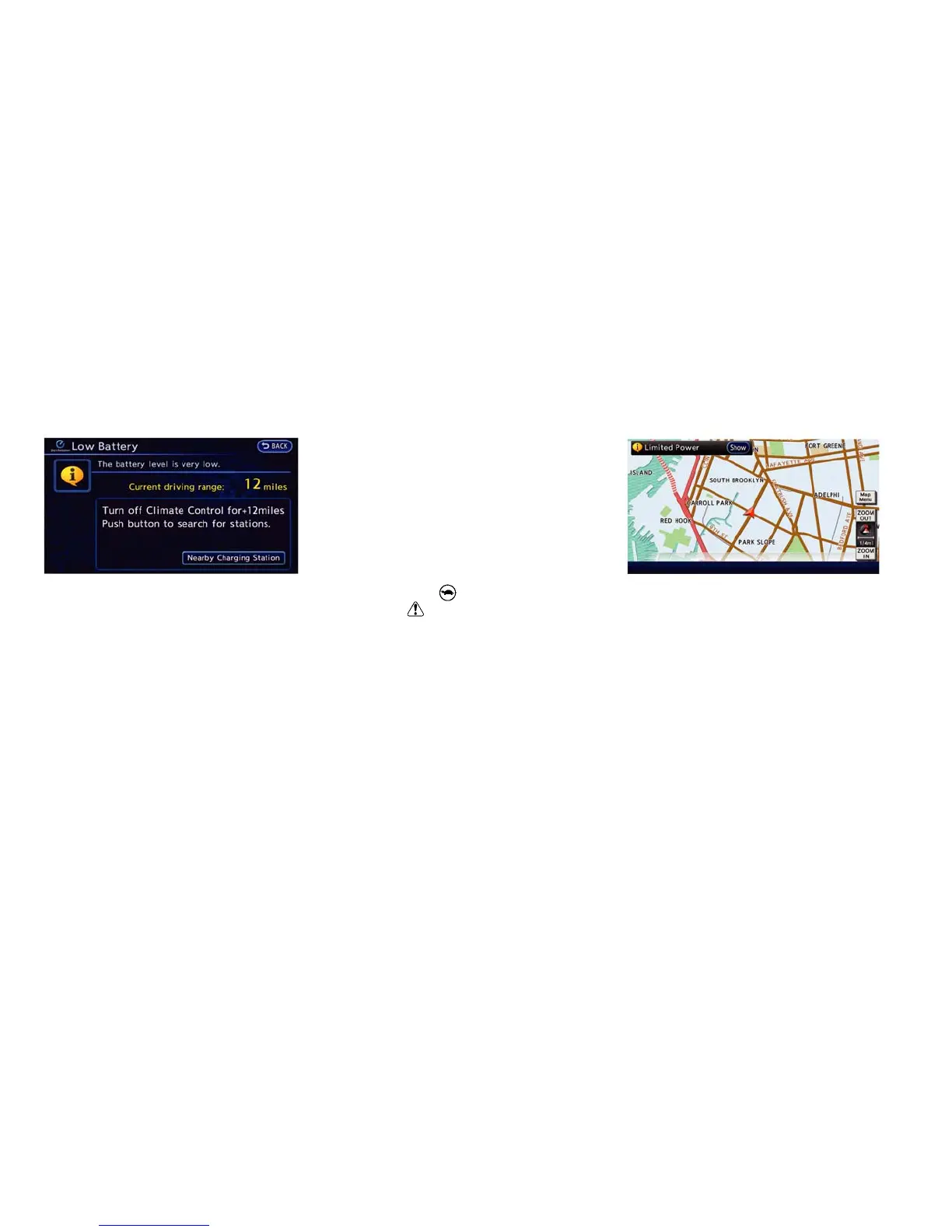
2. The system displays a message screen and
announces the contents of the message to
warn that the Li-ion battery power level is low.
Check the message displayed on the screen.
Touch [Nearby Charging Station] to search all
charging stations that are located around the
current vehicle position.
3. Touch [BACK] or push the MAP button to
return to the vehicle location screen.
NOTE:
• The low battery warning can be set to off.
See LEAF Navigation System Owner’s
Manual.
• When the battery power level is low, the
system automatically obtains charging
station information.
Limited power warning
When the Li-ion battery power level is extremely
low or the Li-ion battery malfunctions, the power
limitation indicator
and the master warning
light (yellow)
illuminate in the meter and the
system displays a message on the navigation
screen in order to inform the driver that power
output is restricted.
1. The notification is displayed on the upper left
side of the screen. Touch [Show] to display
the screen showing detailed information.
Instruments and controls 2-33





 To Next Page