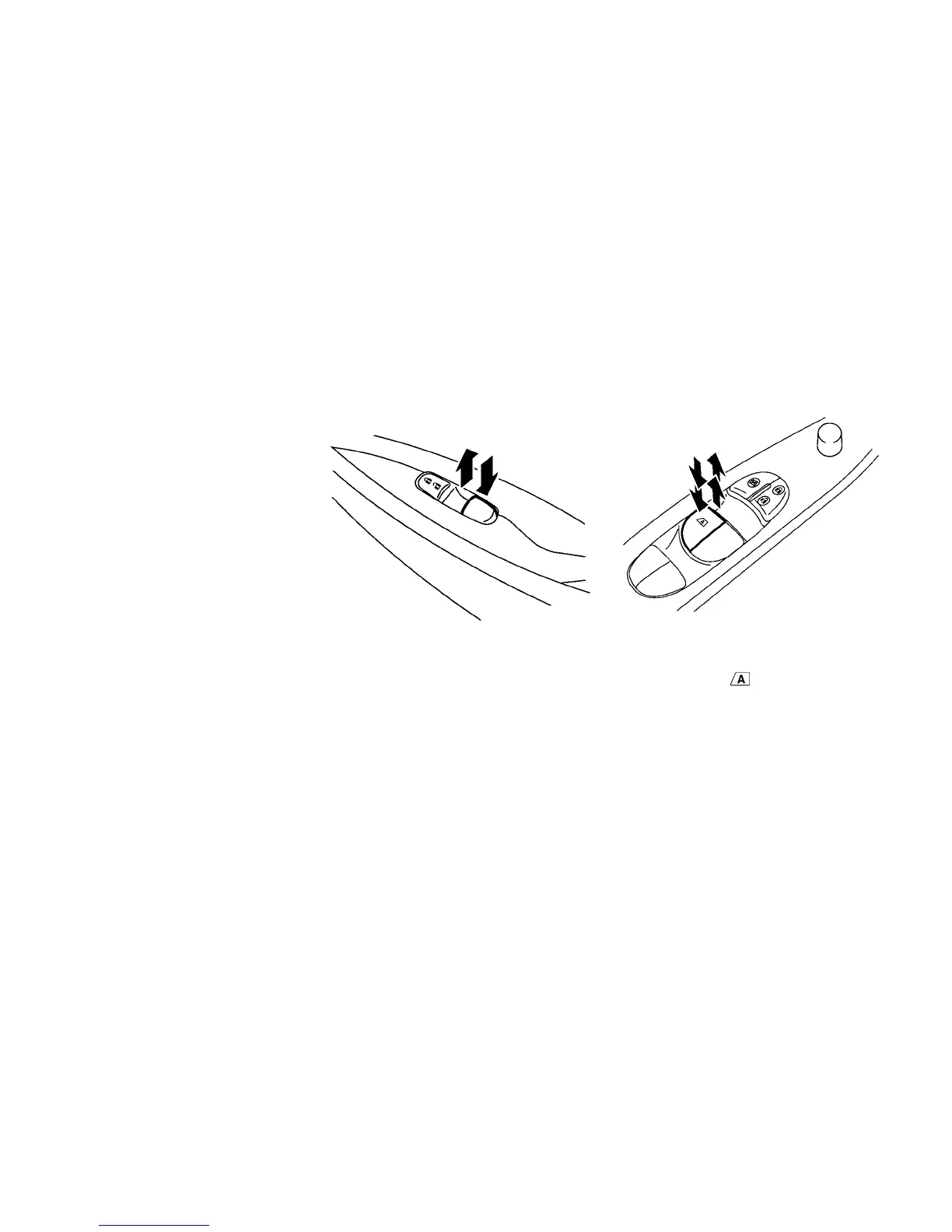
Locking passengers’ windows
When the lock button
䊊
C
is pushed in, only the
driver side window can be opened or closed.
Push it in again to cancel.
Passenger side power window switch
The passenger’s side power window switch will
open or close only the corresponding window. To
open or close the window, push down or pull up
the switch and hold it.
Automatic operation
The automatic operation is available for the
switch that has an
mark on its surface.
To fully open or close the window, completely
push down or pull up the switch and release it;
the switch need not be held. The window will
automatically open or close all the way. To stop
the window, just push or lift the switch in the
opposite direction.
A light push or pull on the switch will cause the
window to open or close until the switch is re-
leased.
Instruments and controls 2-55





 To Next Page