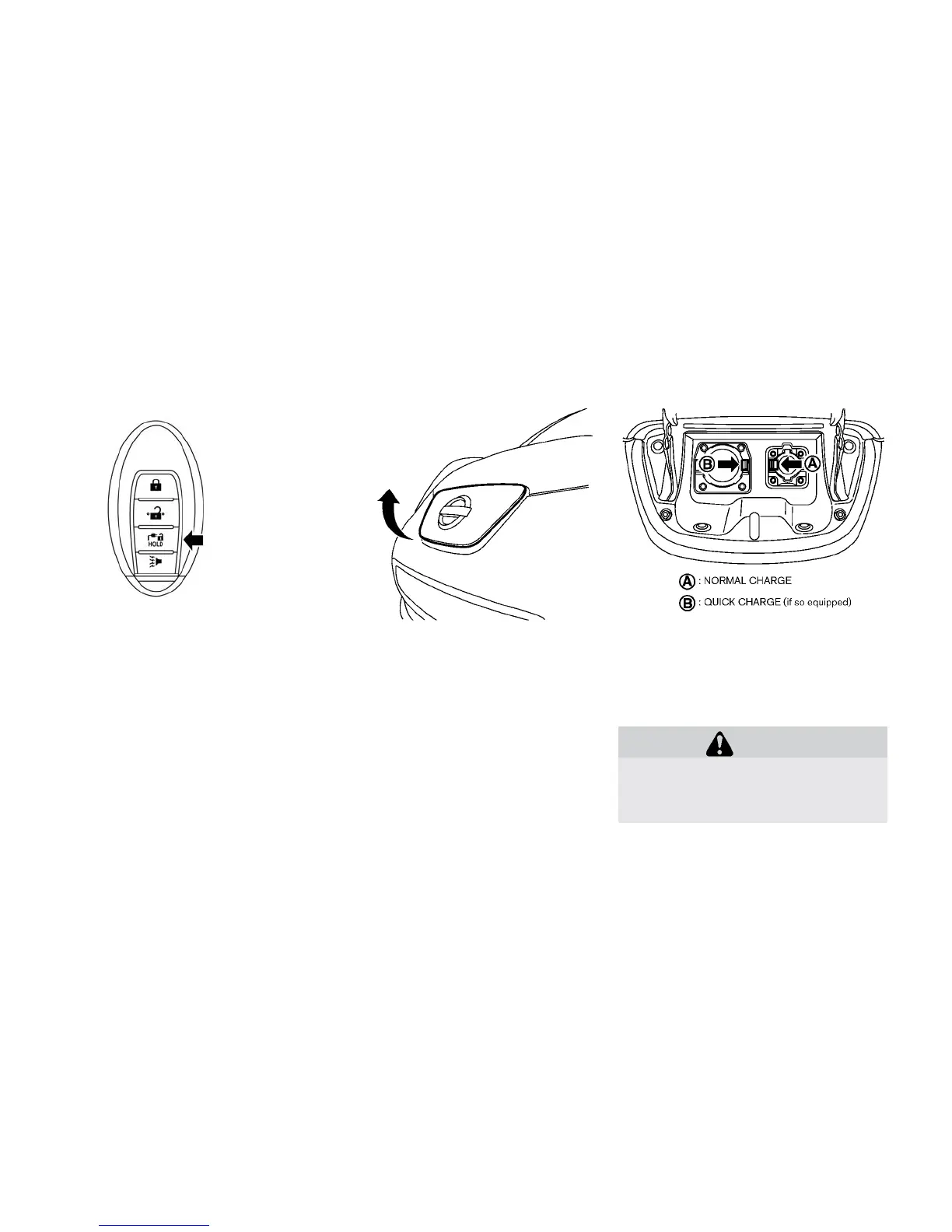
When opening the charge port lid:
1. The charge port lid will then spring up slightly.
2. Put your hand into the under side of the lid and
open until it is in the fully open position.
When closing the charge port lid:
1. Slowly move the lid down.
2. Lock it securely into place.
CHARGE PORT CAP
When opening the charge port cap, press the tab
and open the cap.
When the charge port cap is closed to its previ-
ous position, it will lock automatically.
CAUTION
• When charging is finished, be sure to
close the charge port cap. If water or
dust gets inside the charge port, this
may cause a malfunction.
Button
Pre-driving checks and adjustments 3-19





 To Next Page