XM:
• Tilt up/down for less than 1.5 seconds to in-
crease or decrease the preset station.
• Tilt up/down for more than 1.5 seconds to go to
the next or previous category.
• Press the ENTER button to show the XM Menu.
iPod®:
• Tilt up/down for less than 1.5 seconds to in-
crease or decrease the track number.
• Press the iPod MENU button to show the iPod
Menu.
CD:
• Tilt up/down for less than 1.5 seconds to in-
crease or decrease the track number.
• Tilt up/down for more than 1.5 seconds to in-
crease or decrease the folder number (if playing
compressed audio files).
• Press the ENTER button to show the CD Menu.
USB:
• Tilt up/down for less than 1.5 seconds to in-
crease or decrease the track number.
• Tilt up/down for more than 1.5 seconds to in-
crease or decrease the folder number.
• Press the ENTER button to show the USB
Menu.
ANTENNA
Removing antenna
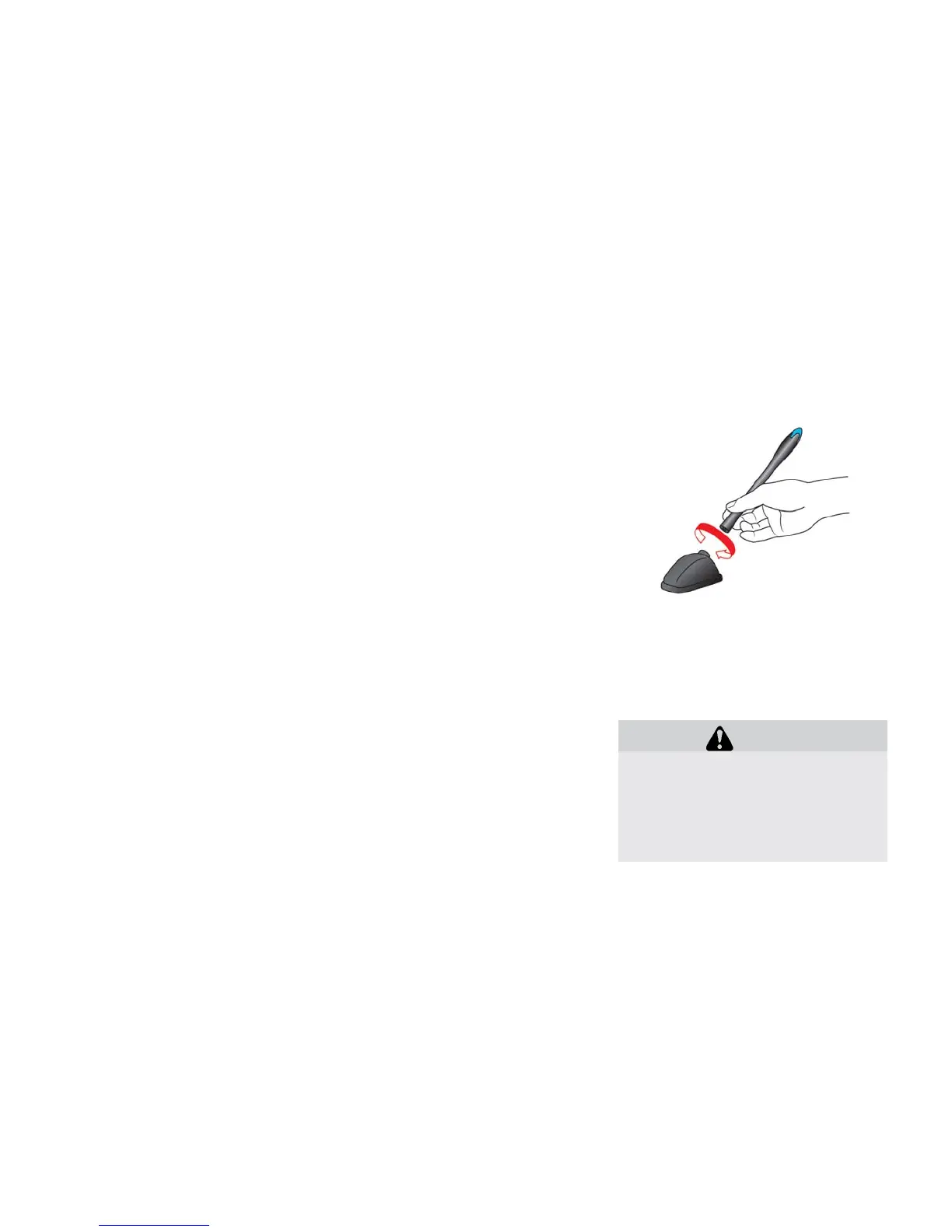
You can remove the antenna if necessary.
Hold the bottom of the antenna and remove by
turning counterclockwise.
CAUTION
• To avoid damaging or deforming the
antenna, be sure to remove the an-
tenna under the following conditions.
– The vehicle enters an automatic car
wash.
– The vehicle enters a garage with a
low ceiling.
4-44 Heater, air conditioner, audio and phone systems





 To Next Page