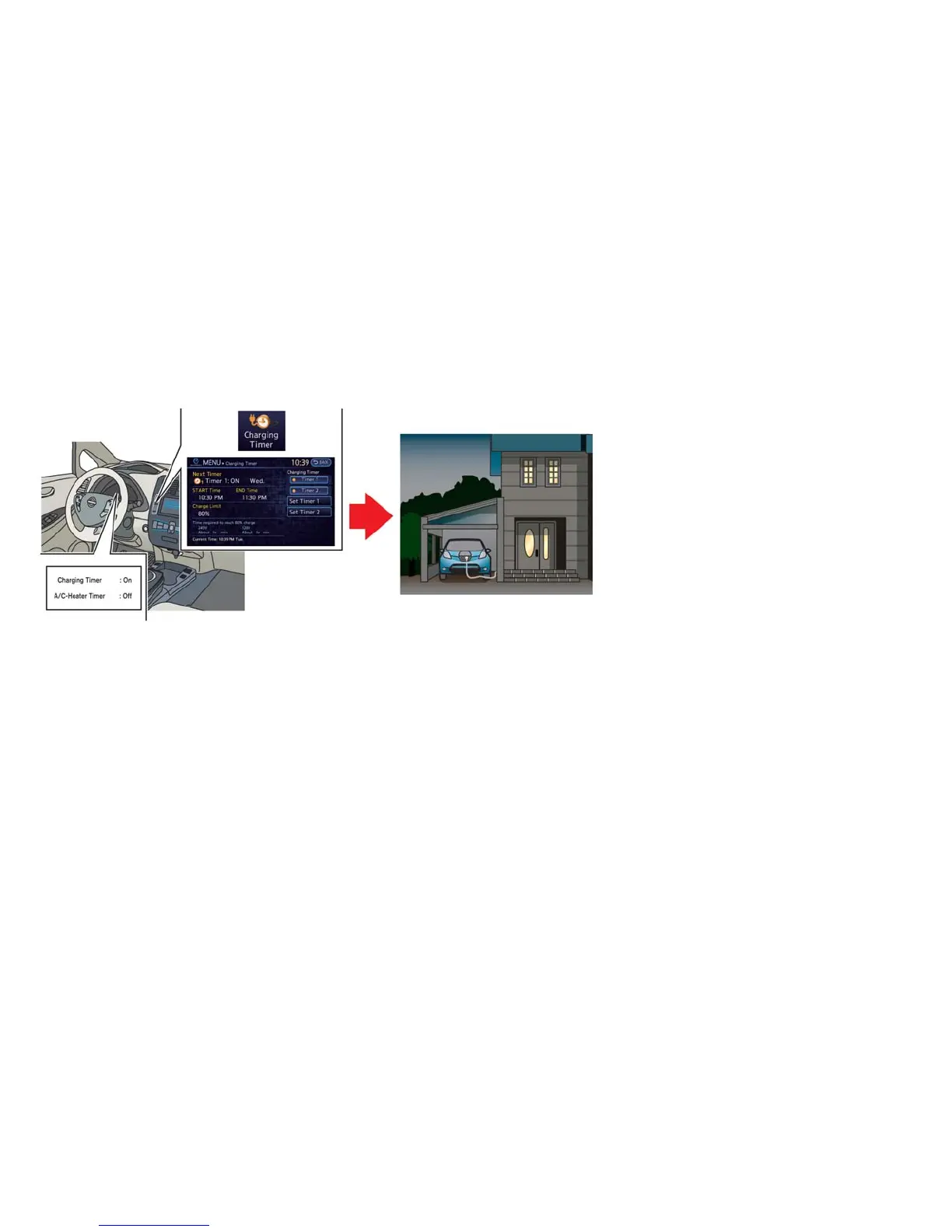
AT HOME AFTER DRIVING
Charging the Li-ion battery
When you return home, connect the vehicle to
the charging station installed at your home using
the normal charge connector.
Charge the vehicle or set the charging timer
function to have the vehicle charge at a specific
time. See ⬙Charging timer⬙ in the ⬙Charge⬙ sec-
tion.
1. When the power switch is turned off, the
settings of the charging timer, and the Climate
Ctrl. Timer and the charge connector lock
functions are displayed on the dot matrix liq-
uid crystal display. See ⬙Dot matrix liquid crys-
tal display⬙ in the ⬙Instruments and controls⬙
section.
2. Open the charge port lid and charge port cap.
See ⬙Charge port lid⬙ in the ⬙Pre-driving
checks and adjustments⬙ section.
3. Connect the charge connector to the vehicle.
4. When a charging timer is turned on, charging
starts at the set time. When a charging timer
is not turned on, charging starts immediately.
NOTE:
• Charging can be started remotely, even if
charging timer is set up.
• When you have forgotten to connect the
charge connector at home, there is a func-
tion that can notify you via text message
capable cellular phone, internet enabled
smart phone or personal computer. See
ⴖCharging related remote functionⴖ in the
ⴖChargeⴖ section (models with navigation
system).
• NISSAN recommends that you connect
the normal charge cable when getting out
of the vehicle, even if it is not going to be
used. By doing this, you can get the most
out of the remote climate control (models
with navigation system) and Climate Ctrl.
Timer functions the next time you use the
vehicle.
EV-22 EV Overview





 To Next Page