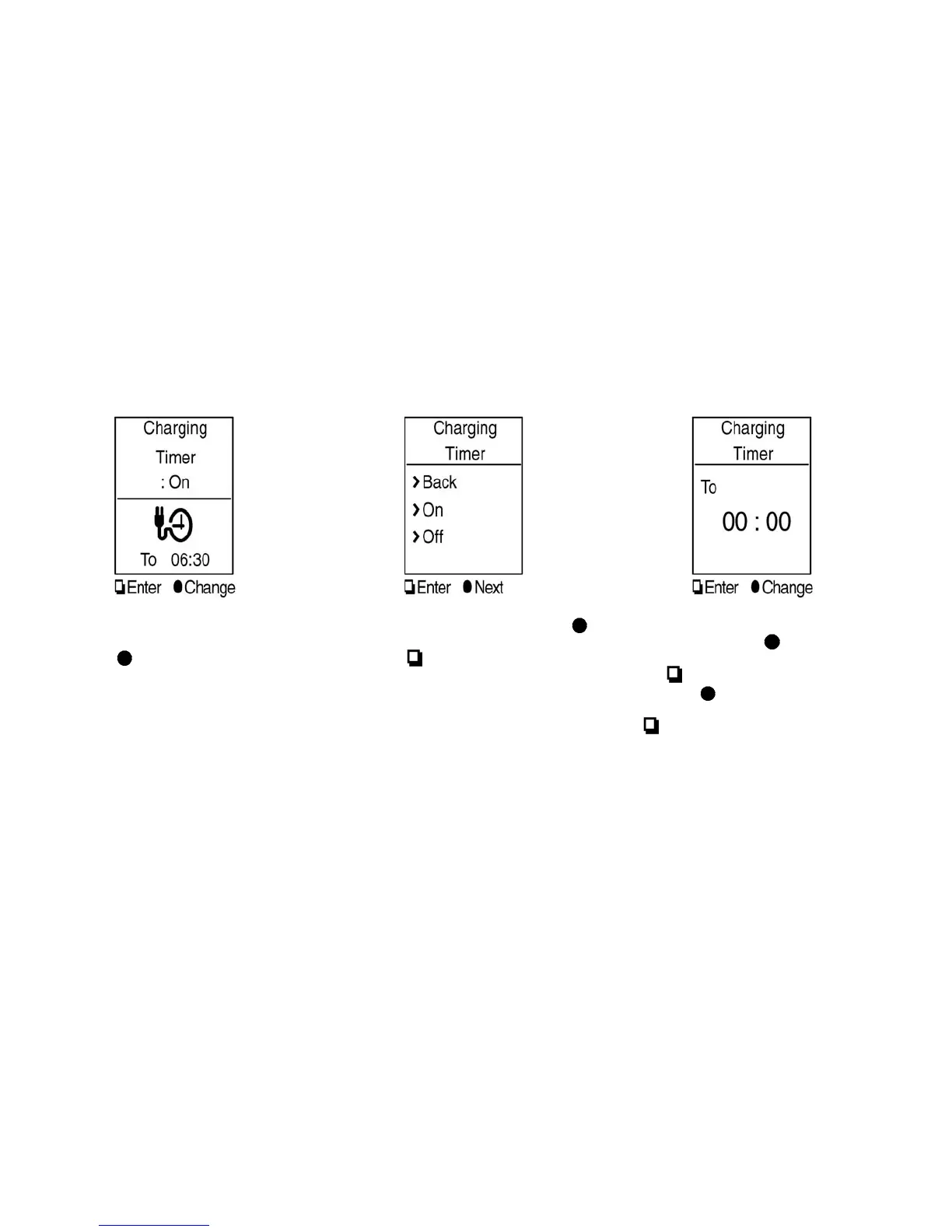
3. The “Charging Timer” screen is displayed. To
change the time or turn the timer on or off,
push the
switch.
4. To turn the timer on or off, use the
switch to highlight “On” or “Off” and then
push the
switch. If “On” is selected, an
additional screen is displayed that allows you
to change the time of the charging timer.
5. The hour portion of the time is highlighted on
the screen. Push the
switch to change
the hour field in increments of one hour. Push
the
switch to move to the minutes field.
6. Push the
switch to change the minute
field in increments of ten minutes. Push the
switch to finish setting the charging
timer.
Charging CH-25





 To Next Page