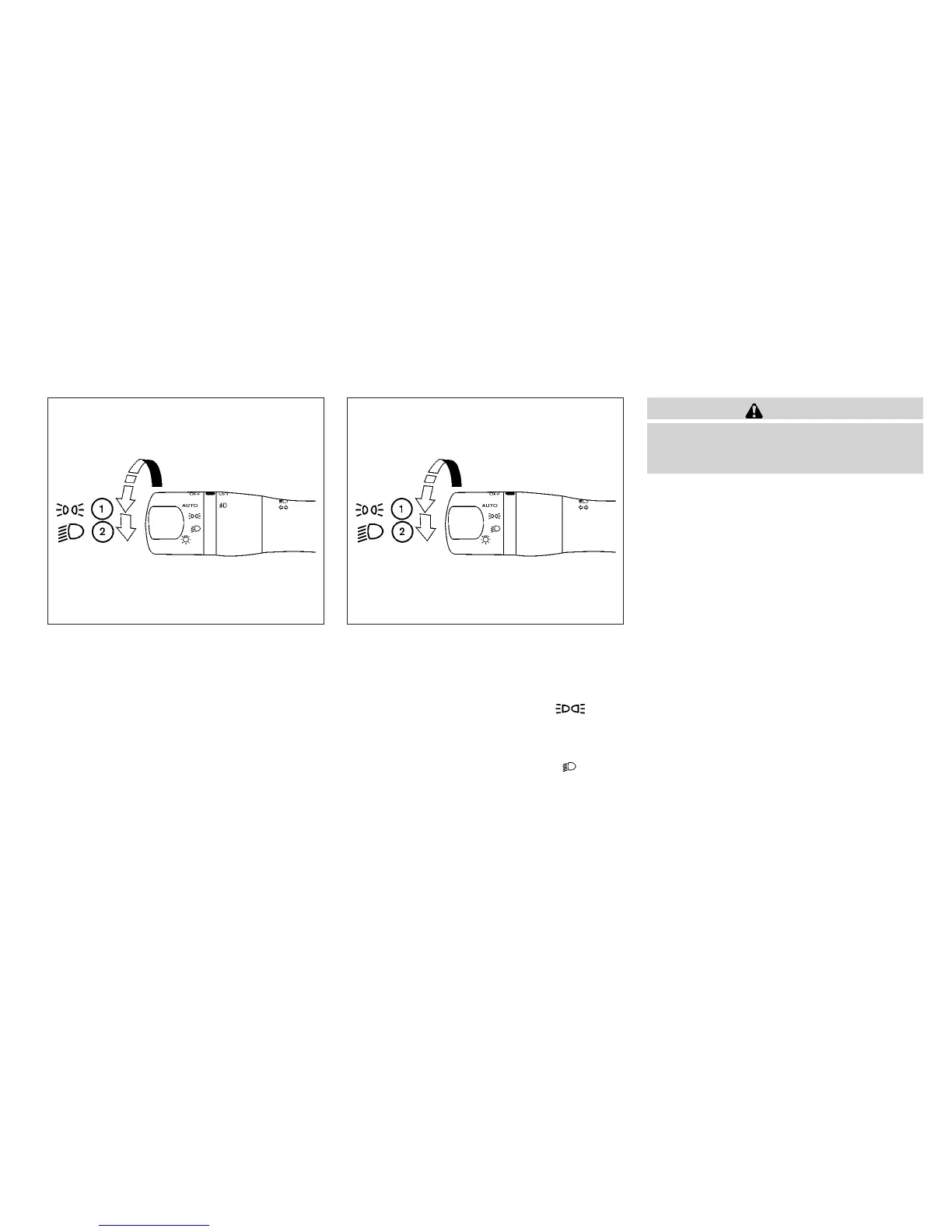
HEADLIGHT CONTROL SWITCH
Lighting
䊊
1
When turning the switch to the posi-
tion, the front parking, tail, license plate and
instrument panel lights come on.
䊊
2
When turning the switch to the posi-
tion, the headlights come on and all the other
lights remain on.
CAUTION
Use the headlights with the engine run-
ning to avoid discharging the vehicle
battery.
Type A
WIC1435
Type B
WIC1436
Instruments and controls 2-29



 To Next Page