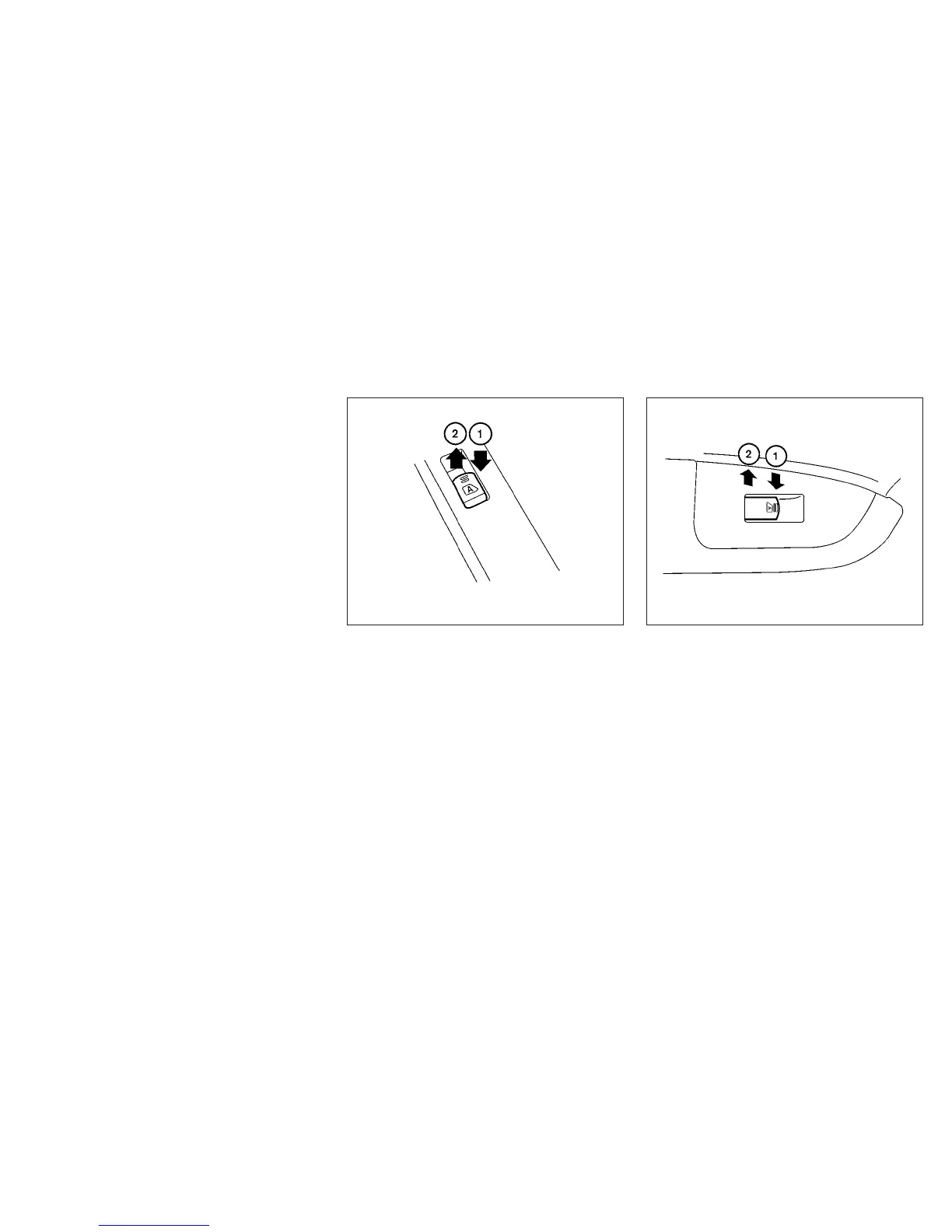
Driver’s side power window switch
The driver’s side control panel is equipped with
switches to open or close all of the windows.
To open a window, push the switch to the first
detent and continue to hold down until the de-
sired window position is reached. To close a
window, pull the switch to the first detent and
continue to hold up until the desired window
position is reached.
Front passenger’s power window
switch
The passenger’s window switch operates only
the corresponding passenger’s window. To open
the window, push the switch to the first detent
and continue to hold it down until the desired
position is reached
䊊
1
. To close the window, pull
the switch to the first detent and continue to hold
up until the desired window position is reached
䊊
2
.
Rear power window switch
The rear power window switches open or close
only the corresponding windows. To open the
window, push the switch to the first detent and
continue to hold it down until the desired window
position is reached
䊊
1
. To close the window, pull
the switch to the first detent and continue to hold
up until the desired window position is reached
䊊
2
.
Locking passengers’ windows
When the window lock button is depressed, only
the driver’s side window can be opened or
closed. Push it again to cancel the window lock
function.
WIC1265 LIC1399
Instruments and controls 2-43



 To Next Page