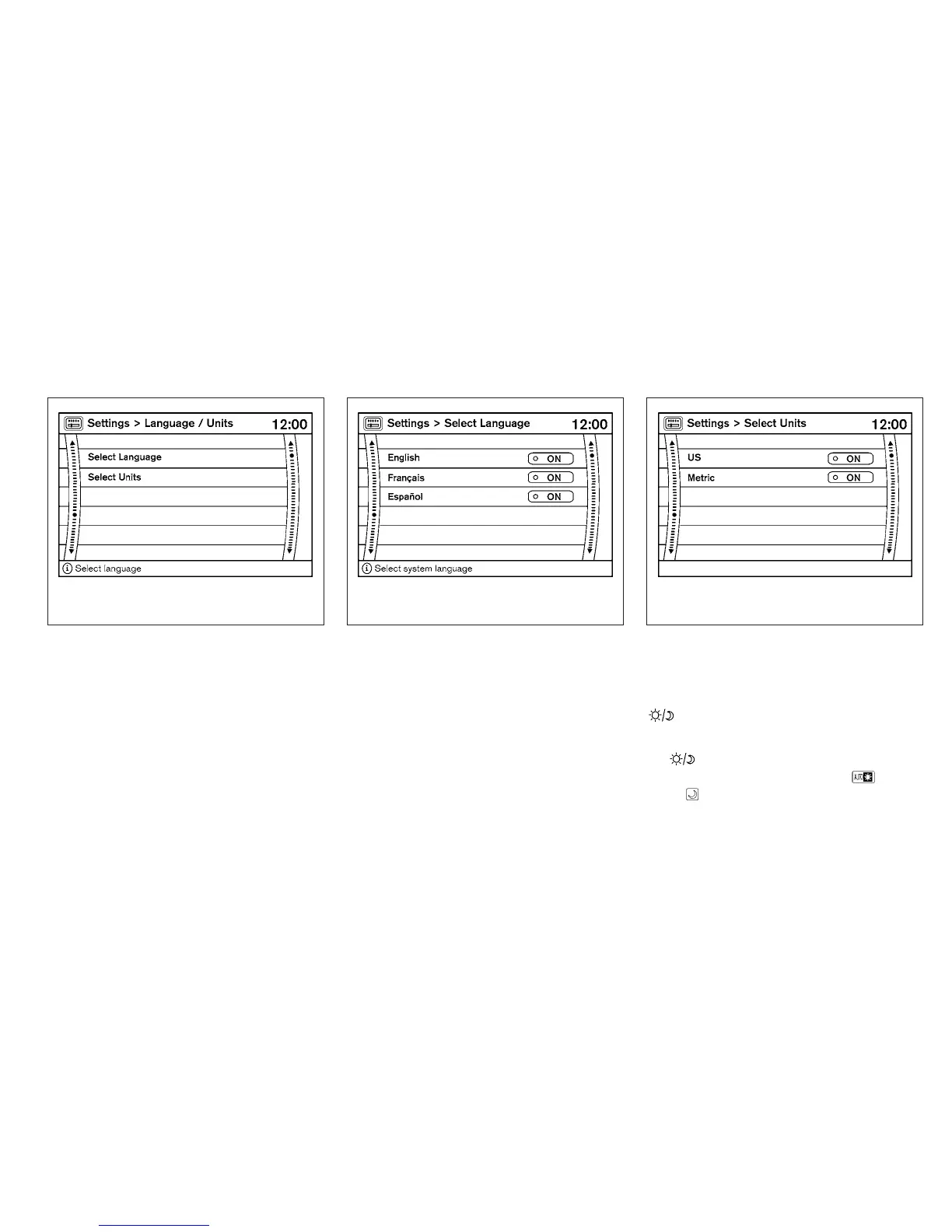
Language / Units
Use the NISSAN controller to select the “Lan-
guage / Units” key. Select which setting you want
to change using the NISSAN controller.
Select Language:
Select the “English” key, the “Français” key or the
“Español” key to change the language shown on
the display.
Select Units:
Select the “US” (mi, °F, MPG) key or the “Metric”
(km, °C, L/100 km) key to change the units
shown on the display.
OFF BUTTON
To change the display brightness, press
the
OFF button. Pressing the button again
will change the display to the day
or the
night
display. The brightness can then be
adjusted using the NISSAN controller.
The display brightness can also be adjusted us-
ing the + (brighter) button or the ⫺ (dimmer)
button.
LHA0934 LHA0935 LHA0936
Monitor, climate, audio, phone and voice recognition systems 4-15



 To Next Page