NISSAN Intelligent Key™ door buzzer
The Intelligent Key door buzzer sounds if the
Intelligent Key is left inside the vehicle when
locking the doors. When the buzzer sounds, be
sure to check both the vehicle and the Intelligent
Key. See “NISSAN Intelligent Key™” in the “Pre-
driving checks and adjustments” section.
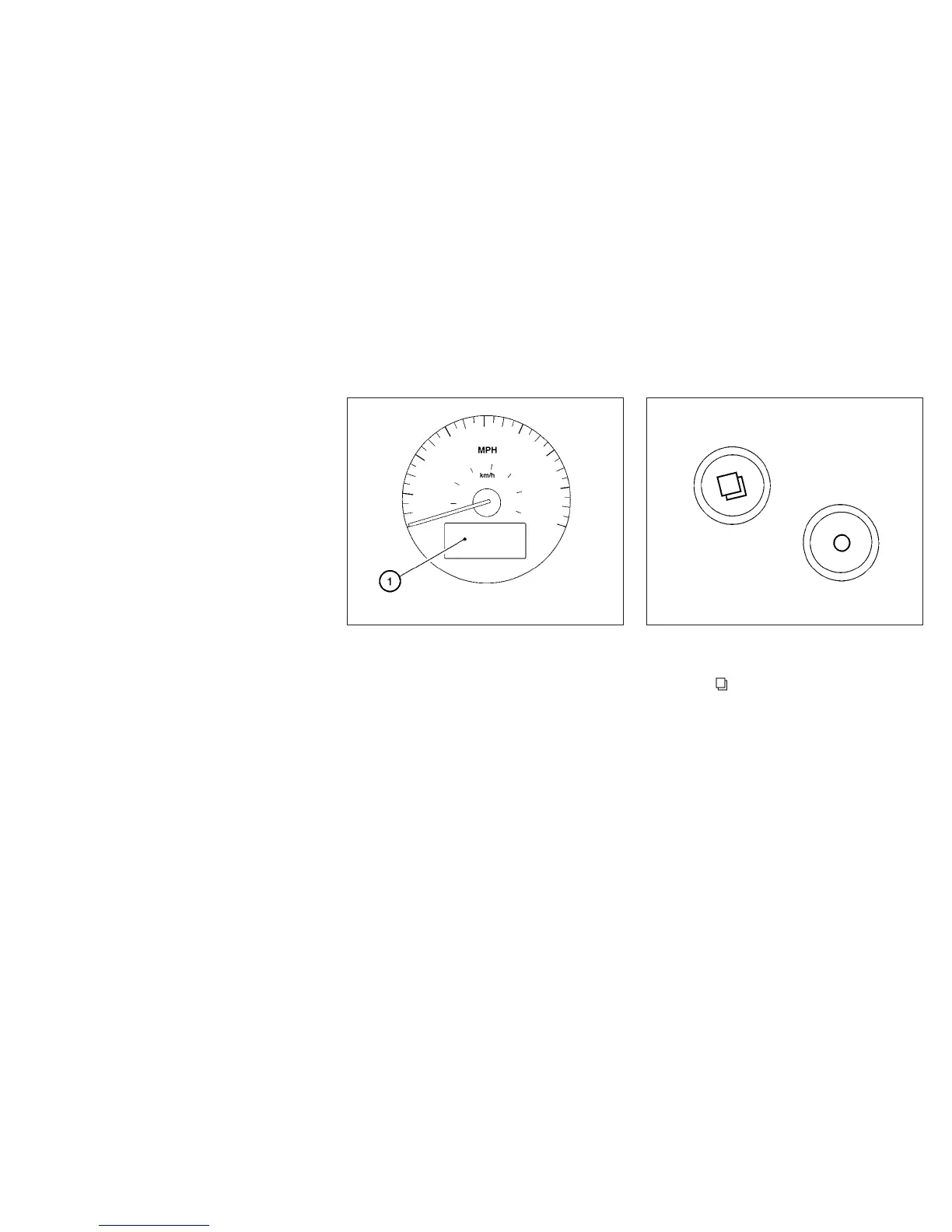
The vehicle information display
䊊
1
is located on
the bottom of the speedometer. It displays such
items as:
● Intelligent Key operation information
● some indicators and warnings
● other information
For details about the Intelligent Key, see
“NISSAN Intelligent Key™” in the “Pre-driving
checks and adjustments” section.
HOW TO USE THE VEHICLE
INFORMATION DISPLAY
Press the button, located on the instru-
ment panel just behind the steering wheel, to
display the following modes:
MPG → MPG/MPH → Time/Miles → Range →
Exterior Temperature → Setting → Warning
WIC1102 WIC1406
VEHICLE INFORMATION DISPLAY
Instruments and controls 2-17



 To Next Page