[ Edit: 2016/ 11/ 24 Model: E12-A ]
4-18 Monitor, Heater and air conditioner, and audio system
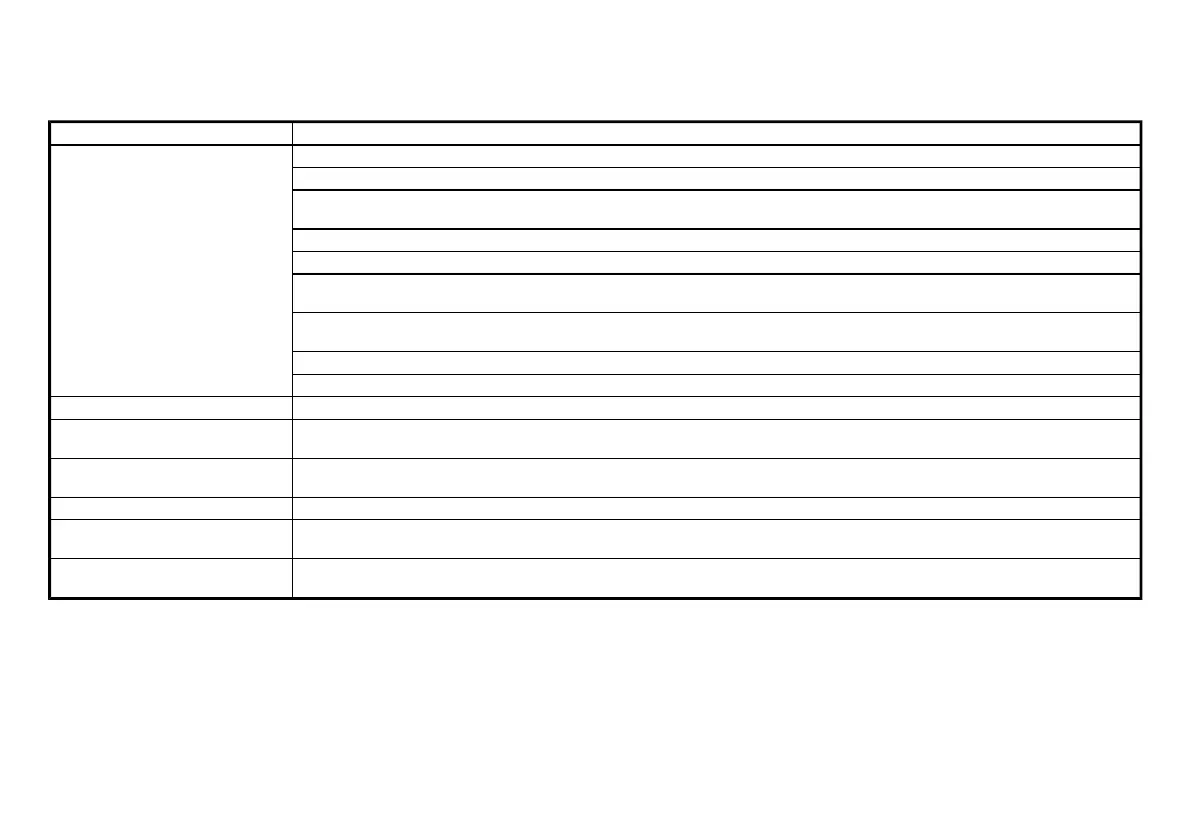
Troubleshooting guide:
GUID-11F97BB9-9503-47D0-8BB9-62C812293875
Symptom
Cause and Countermeasure
Cannot play
Check if the disc was inserted correctly.
Check if the disc is scratched or dirty.
Check if there is condensation inside the player, and if there is, wait until the condensation is gone (about 1 hour) before using the
player.
If there is a temperature increase error, the CD player will play correctly after it returns to the normal temperature.
If there is a mixture of music CD files (CD-DA data), MP3/WMA files on a CD, only the music CD files (CD-DA data) will be played.
Files with extensions other than “.MP3”, “.WMA”, “.mp3” or “.wma” cannot be played. In addition, the character codes and number of
characters for folder names and file names should be in compliance with the specifications.
Check if the disc or the file is generated in an irregular format. This may occur depending on the variation or the setting of MP3/WMA
writing applications or other text editing applications.
Check if the finalization process, such as session close and disc close, is done for the disc.
Check if the disc is protected by copyright.
Poor sound quality
Check if the disc is scratched or dirty.
It takes a relatively long time before
the music starts playing.
If there are many folder or file levels on the MP3/WMA disc, or if it is a multisession disc, some time may be required before the music
starts playing.
Music cuts off or skips
The writing software and hardware combination might not match, or the writing speed, writing depth, writing width, etc., might not
match the specifications. Try using the slowest writing speed.
Skipping with high bit rate files
Skipping may occur with large quantities of data, such as for high bit rate data.
Move immediately to the next song
when playing.
When a non-MP3/WMA file has been given an extension of “.MP3”, “.WMA”, “.mp3, “.wma”, or when play is prohibited by copyright
protection, there will be approximately 5 seconds of no sound and then the player will skip to the next song.
The songs do not play back in the
desired order.
The playback order is the order in which the files were written by the writing software, so the files might not play in the desired order.
Condition:



 To Next Page