•
CDs that are of poor quality, or are dirty,
scratched, covered with fingerprints, or that have
pin holes may not work properly.
•
The following CDs may not work properly.
– Copy control compact discs (CCCD)
– Recordable compact discs (CD-R)
– Rewritable compact discs (CD-RW)
•
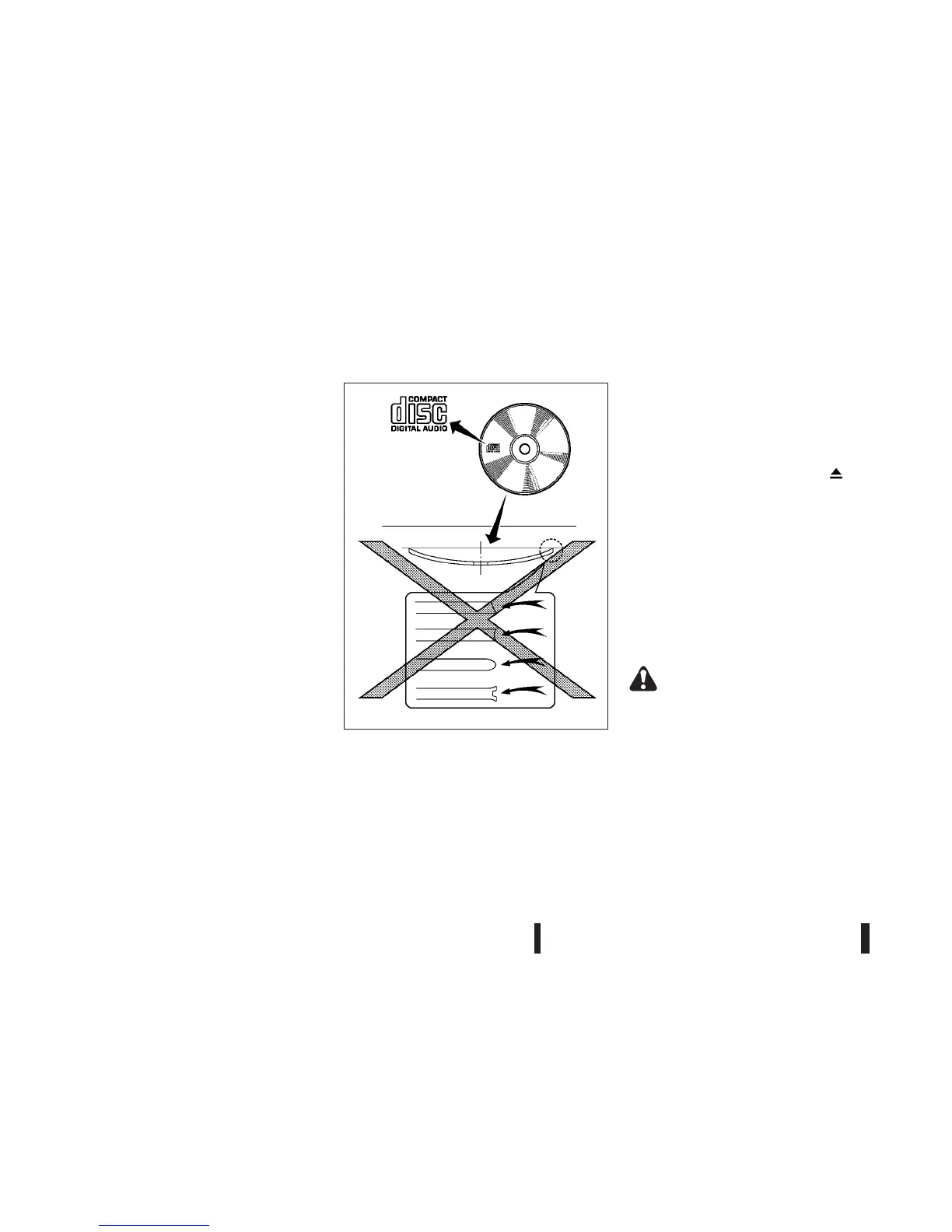
Do not use the following CDs as they may cause
the CD player to malfunction.
– 8 cm (3.1 in) discs
– CDs that are not round
– CDs with a paper label
– CDs that are warped, scratched or have un-
usual edges.
•
This audio system can only play prerecorded
CDs. It has no capabilities to record or burn
CDs.
•
If the CD cannot be played, a notification mes-
sage will be displayed.
Remove the CD by pushing the <
> (Eject)
button, and
– Confirm that the CD is inserted correctly (the
label side is facing up, etc.).
– Confirm that the CD is not bent or warped
and it is free of scratches.
– Confirm that the disc is CD and not a DVD.
– Confirm that the disc is recorded with audio
files.
USB (Universal Serial Bus)
(where fitted)
WARNING
Do not connect, disconnect or operate the USB
device while driving. Doing so can be a distrac-
tion. If distracted you could lose control of your
vehicle and cause an accident or serious injury.
CAUTION
•
Do not force the USB device into the USB
port. Inserting the USB device tilted or up-
side-down into the port may damage the port.
•
Do not grab the USB port cover (where fitted)
when pulling the USB device out of the port.
This could damage the port and the cover.
SAA0480
4-20 Heater and air conditioner, and audio system



 To Next Page