To view detailed instructional videos regarding these and other features,
please go to www.nissanownersinfo.mobi.
16
TEXT MESSAGING* (if so equipped)
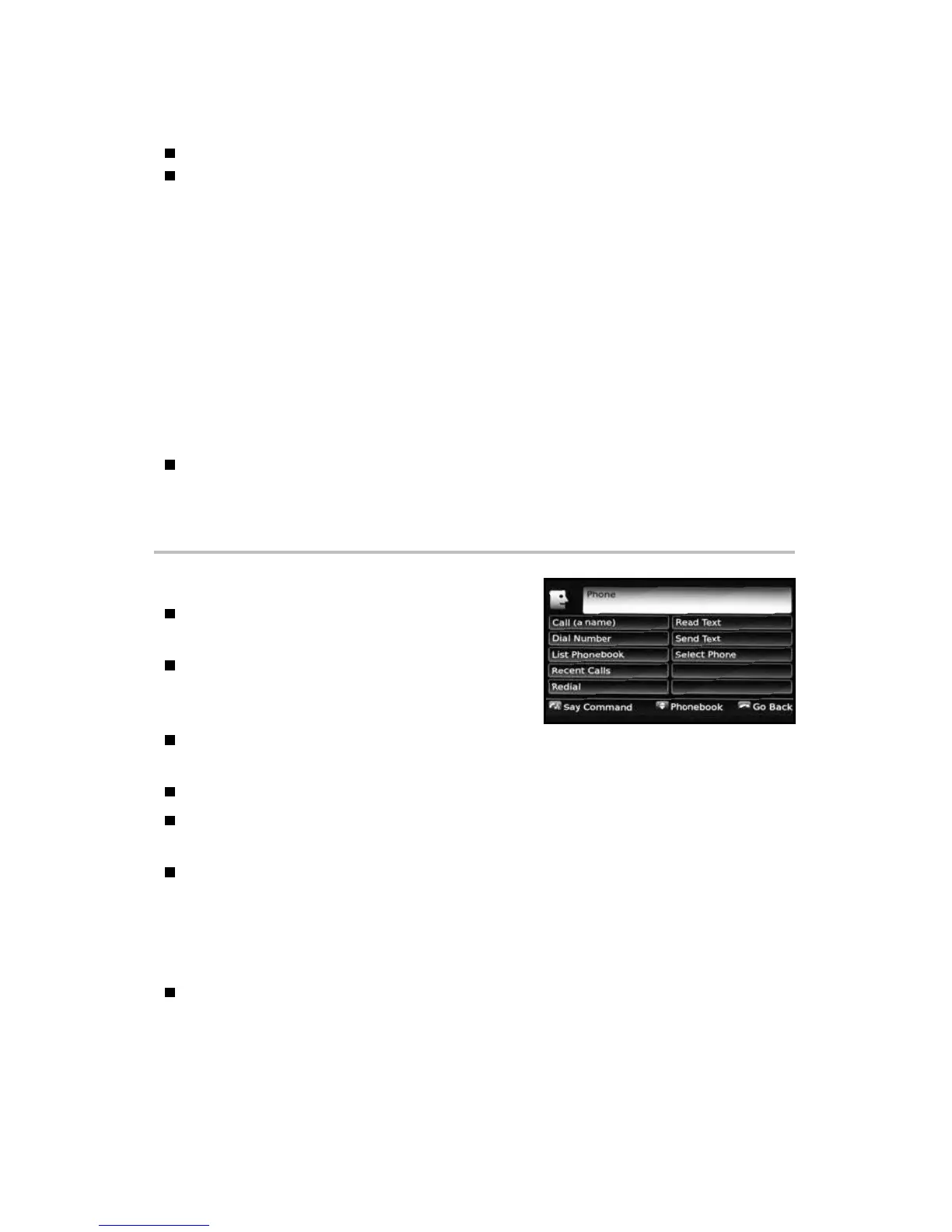
This system allows for sending and receiving text
messages through the vehicle interface.
Using predefined or custom messages, send a
text to a name or phone number stored in your
Bluetooth
®
Hands-free Phone System.
Once enabled, the text message, sender and
delivery time are shown on the control panel display.
Text messages have the option of being read aloud.
Text messages are only displayed on the control panel if the vehicle speed is less than
5 mph (8 km/h).
Many cellular phones may require special permission to enable text messaging. Check
the cellular phone’s screen during Bluetooth
®
pairing. For some cellular phones, you may
need to enable “Notifications” in the cellular phone’s Bluetooth
®
menu for text messages
to appear on the touch-screen display. For more detailed information and instructions,
refer to your cellular phone’s Owner’s Manual.
Text message integration requires that the cellular phone support Message Access
Profile (MAP) for both receiving and sending text messages. Some cellular phones may
not support all text messaging features. Please see www.NissanUSA.com/bluetooth
for compatibility information as well as your device’s Owner’s Manual.
*Laws in some jurisdictions may restrict the use of “Text-to-Speech”. Some of the applications and features, such as social
networking and texting, may also be restricted. Check local regulations for any requirements before using these features.
For more information, refer to the “Monitor, climate, audio, phone and voice recognition systems (section 4)” of
your Owner’s Manual.
NISSANCONNECT
SM
MOBILE APPS (if so equipped)
Integrates popular smartphone apps and services into your vehicle.
The NissanConnect Mobile Apps companion app must be downloaded to your
smartphone, and you must be enrolled.
FOR SYSTEM WITH NAVIGATION
• iPhone
®
: Please connect via USB when using an iPhone
®
with NissanConnect
Mobile Apps.
• Android: Please connect via Bluetooth
®
when using an Android device with
NissanConnect Mobile Apps.
FOR SYSTEM WITHOUT NAVIGATION
• iPhone
®
: Please connect via Bluetooth
®
when using an iPhone
®
with NissanConnect
Mobile Apps.
• Android: Please connect via Bluetooth
®
when using an Android device with
NissanConnect Mobile Apps.
For more information on how to pair your cellular phone and set up NissanConnect
Mobile Apps, visit: www.NissanUSA.com/connect/support.
For more information, refer to the “Monitor, climate, audio, phone and voice recognition systems (section 4)” of
your Owner’s Manual.
SYSTEM GUIDE
1938147_16a_Versa_Note_QRG_051415.indd 16 5/14/15 1:49 PM



 To Next Page