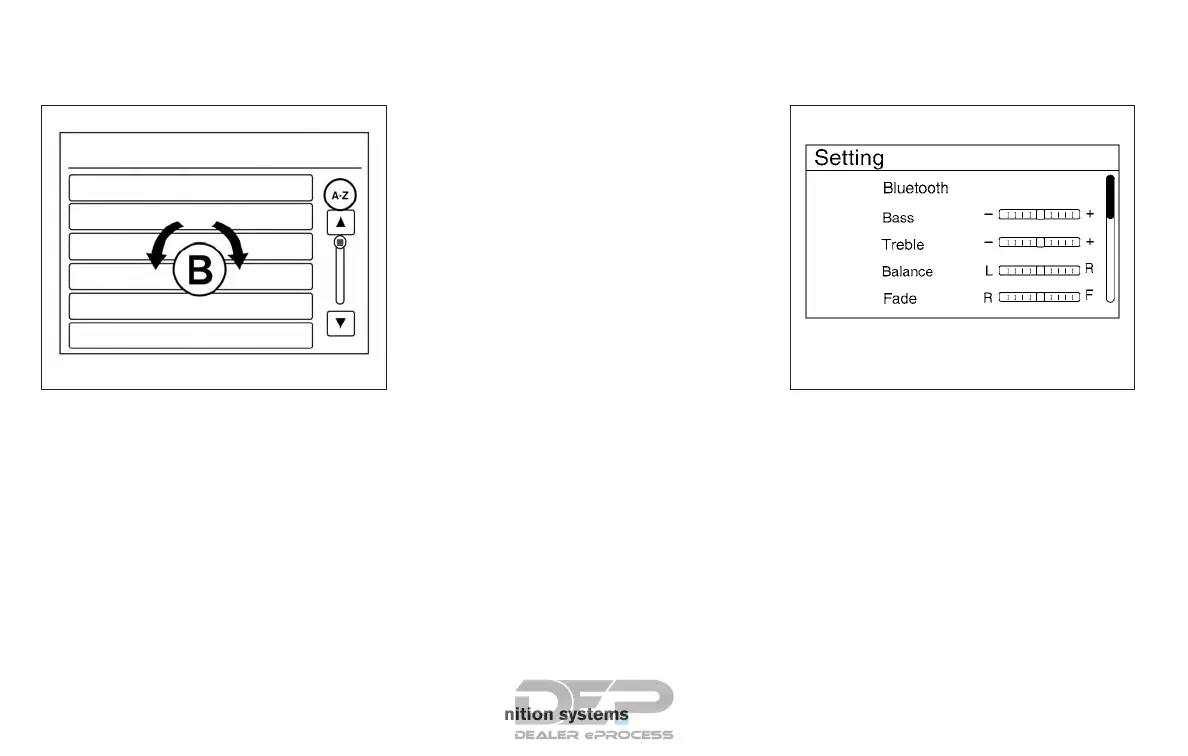
Scrolling menus
While navigating long lists of artists, albums or
songs in the music menu, it is possible to scroll
the list by the first character in the name. To
activate character indexing, touch and hold the
“A-Z” key in the upper right corner of the screen.
Turn the TUNE knob to choose the number or
letter to jump to in the list and then press the
AUDIO button.
If no character is selected after 2 seconds, the
display returns to normal.
BLUETOOTH® STREAMING AUDIO
WITHOUT NAVIGATION SYSTEM (if
so equipped)
If you have a compatible Bluetooth® audio de-
vice that is capable of playing audio files, the
device can be connected to the vehicle’s audio
system so that the audio files on the device play
through the vehicle’s speakers. For additional
information, refer to “FM/AM/SAT radio with
compact disc (CD) player (Type A)” in this sec-
tion.
NOTE:
For additional information, refer to the cel-
lular phone Owner’s Manual.
Connecting Bluetooth® audio
To connect your Bluetooth® audio device to the
vehicle, follow the procedure below:
1. Press the ENTER/SETTING button.
2. Use the TUNE/SCROLL knob to select the
“Bluetooth” option.
3. Use the TUNE/SCROLL knob to select
“Add Phone or Device”. This same screen
can be accessed to remove, replace or se-
lect a different Bluetooth® device.
LHA2279 LHA2775
4-68 Monitor, climate, audio, phone and voice recognition systems



 To Next Page