Unlocking doors
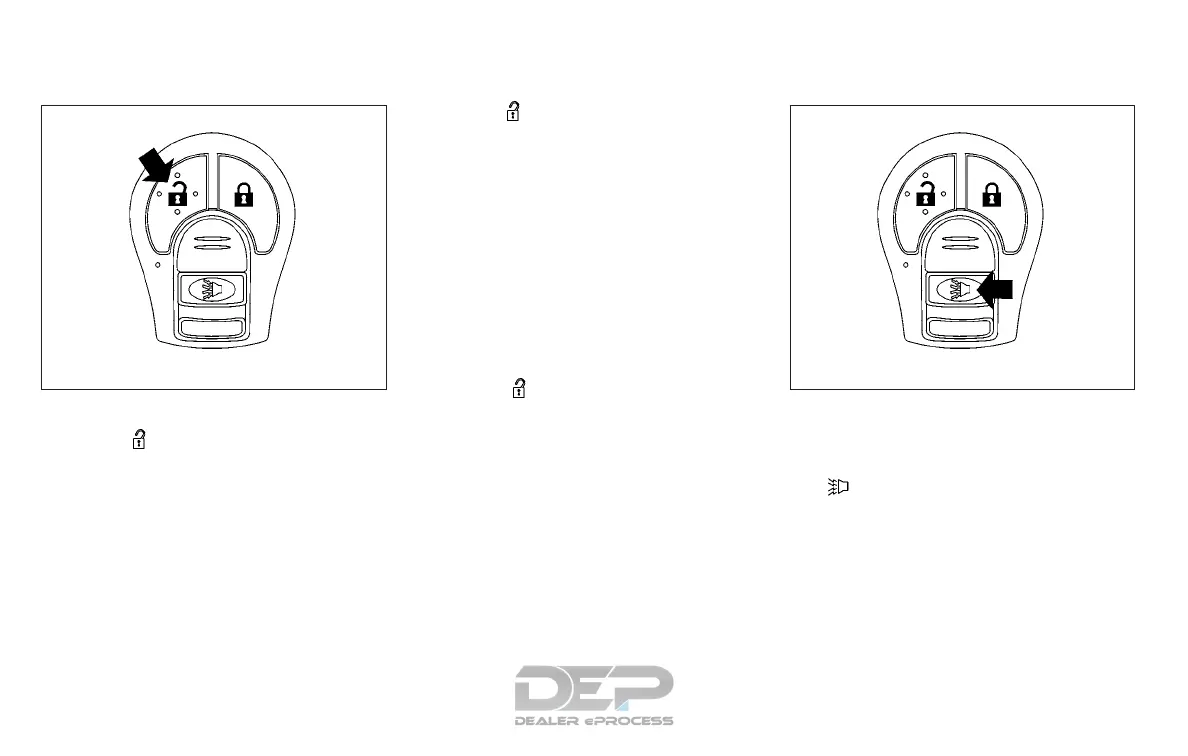
Press the button on the key fob once.
∙ Only the driver’s door unlocks.
∙ The hazard warning lights flash once if
all doors are completely closed with the
ignition switch in any position except
the ON position.
∙ The interior light turns on and the light
timer activates for a period of time
when the interior light switch is in the
DOOR position with the ignition switch
in any position except the ON position.
Press the
button on the key fob again
within 5 seconds.
∙ All doors and the rear hatch unlock.
∙ The hazard warning lights flash once if
all doors are completely closed.
The interior lights can be turned off without
waiting by inserting the key into the ignition
switch and placing the ignition switch in
the ON or START position, locking the doors
with the key fob or pushing the interior light
switch to the OFF position.
Auto relock
When the button on the key fob is
pressed, all doors will lock automatically
within 1 minute unless one of the following
operations is performed:
∙ Any door is opened.
∙ A key is inserted into the ignition switch
and the switch is cycled from OFF to ON.
Using the panic alarm
If you are near your vehicle and feel threat-
ened, you may activate the panic alarm to
call attention by pressing and holding
the
button on the key fob for longer
than 0.5 seconds.
The panic alarm and headlights will stay on
for a period of time.
The panic alarm stops when:
∙ It has run for a period of time.
∙ Any button is pressed on the key fob.
LPD2040 LPD2041
3-10 Pre-driving checks and adjustments


 To Next Page
 Loading...