Touch-screen maintenance
If you clean the display screen, use a dry,
soft cloth. If additional cleaning is neces-
sary, use a small amount of neutral deter-
gent with a soft cloth. Never spray the
screen with water or detergent. Dampen
the cloth first and then wipe the screen.
HOW TO USE THE BACK BUTTON
Press the BACK button to return to the pre-
vious screen.
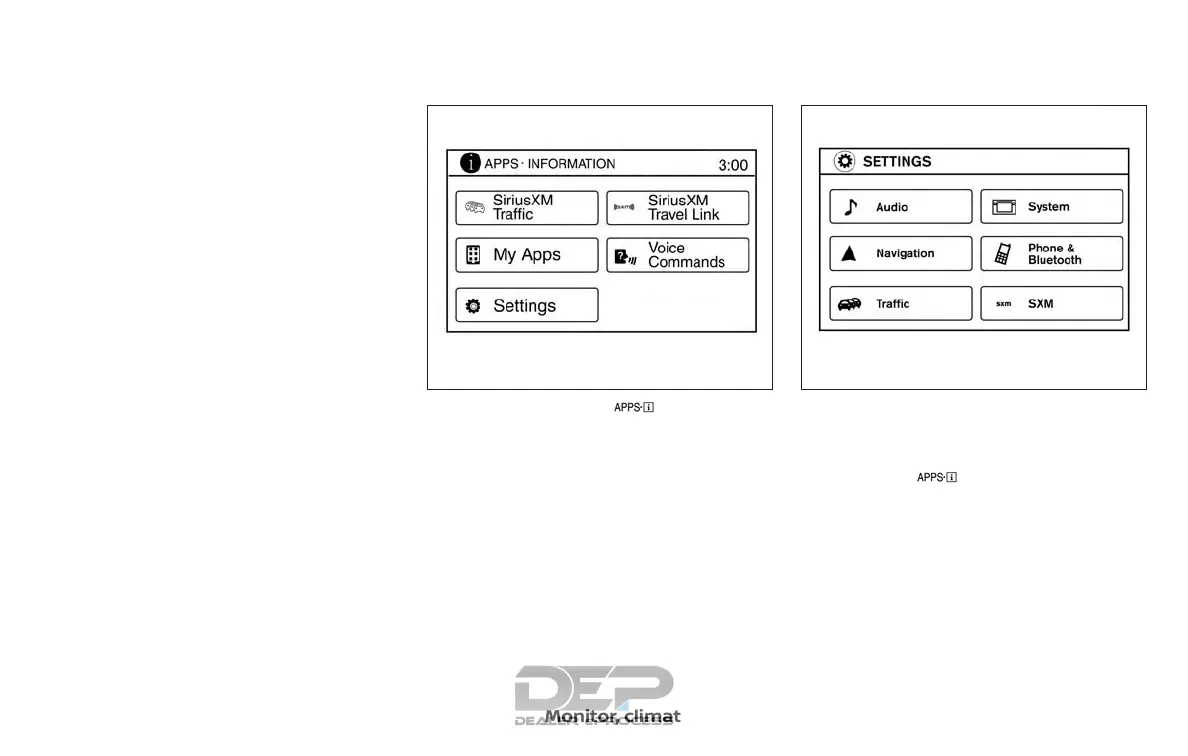
HOW TO USE THE [ ] BUTTON
For additional information about the
“SiriusXM Travel Link”, and “Traffic” features,
refer to the separate NissanConnect
SM
Owner’s Manual.
For additional information, refer to “Nissan-
Connect
SM
Mobile Apps” in this section.
For additional information, refer to “NISSAN
Voice Recognition System” in this section.
To select and/or adjust several functions,
features and modes that are available for
your vehicle:
1. Press the [
] button.
2. Touch the “Settings” key.
3. Touch the desired item.
LHA2773 LHA3748
Monitor, climate, audio, phone and voice recognition systems 4-7



 To Next Page