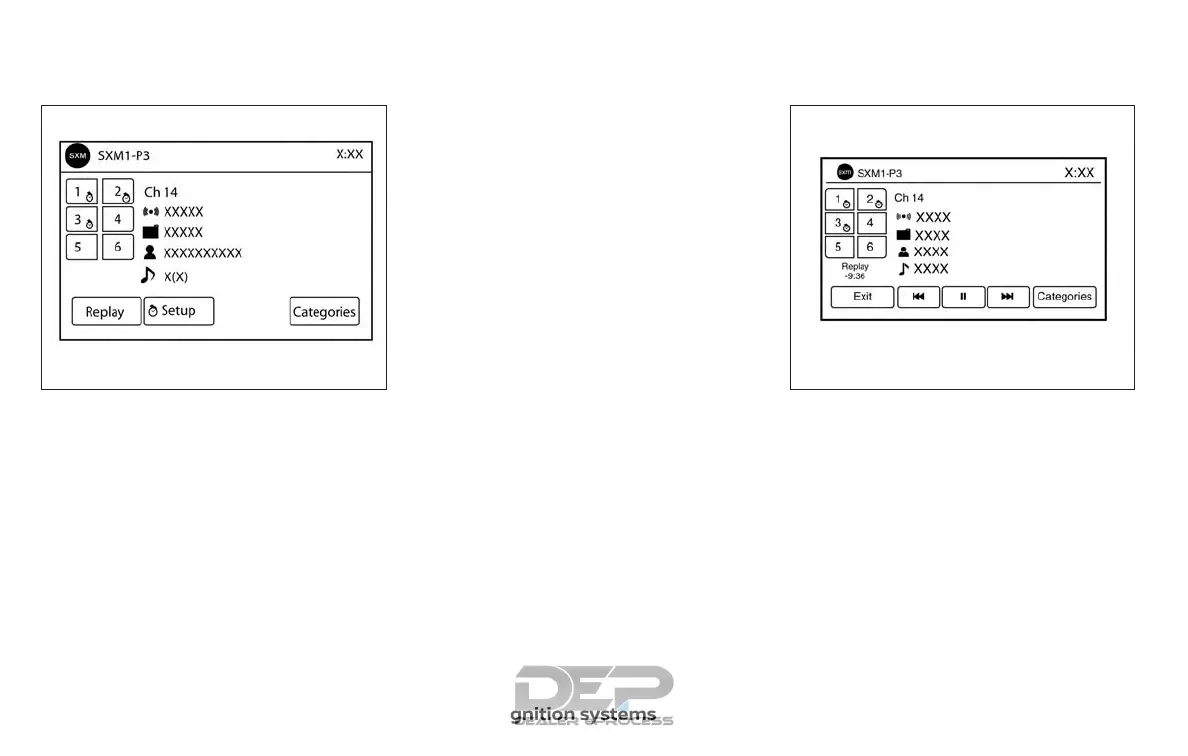
Smart Favorites Preset Setup (if
so equipped)
The Smart Favorites feature allows the
user to designate presets, within the SXM1,
SXM2 and SXM3 bands, as their Smart Fa-
vorites. When any of the Smart Favorite
presets are selected, the current track on
that station will play from the beginning of
the song.
To program a Smart Favorite preset:
1. Press the SXM button.
2. Touch the “Setup” key.
3. Touch the “Tune Start” key to activate
(ON) or deactivate (OFF) Smart Favor-
ites.
4. Touch the “Add Preset” key to select an
available preset.
For additional information, refer to “1 to 6
Station memory operations” in this section.
NOTE:
• Smart Favorites will start functioning
only after the audio unit is turned on for
a few minutes.
• Tune Start is supported for music chan-
nels only.
Replay Screen
The Replay Screen gives the user the ability
to replay, skip, pause or rewind the cur-
rently aired track.
When the “Replay” key is touched, the Re-
play Screen is prompted.
LHA3085 LHA3087
4-58 Monitor, climate, audio, phone and voice recognition systems



 To Next Page