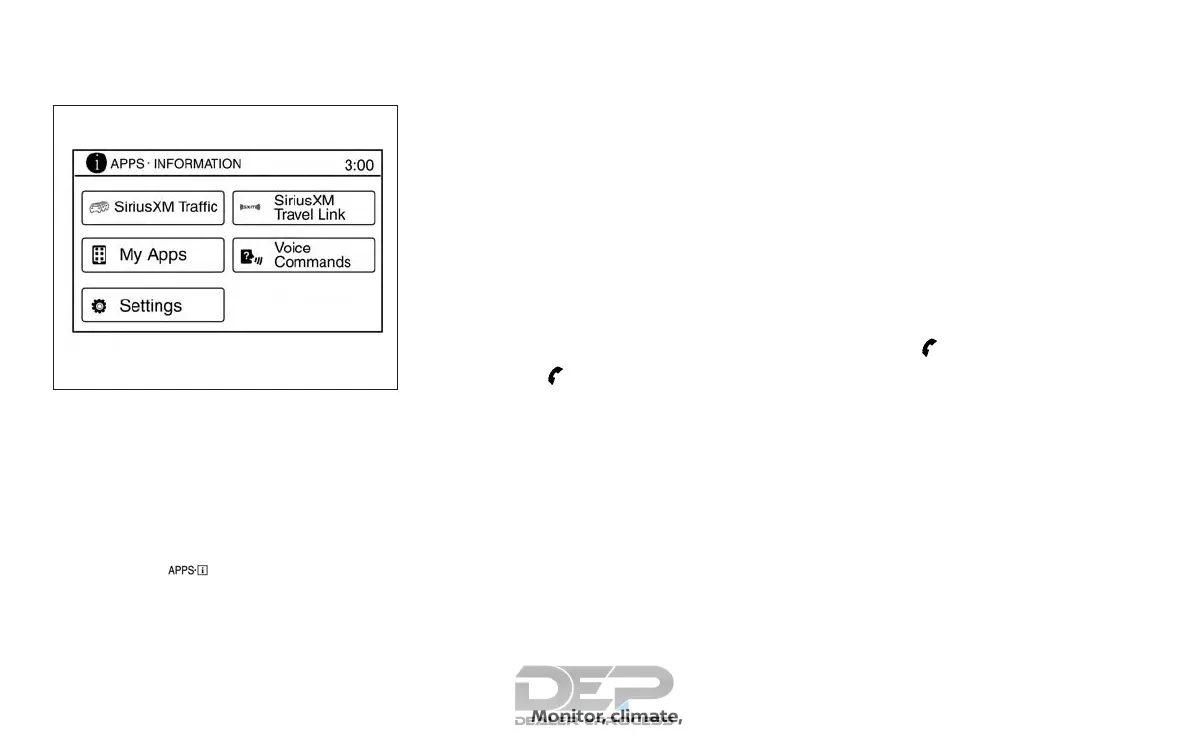
CONNECTING PROCEDURE
NOTE:
The connecting procedure must be per-
formed when the vehicle is stationary. If
the vehicle starts moving during the pro-
cedure, the procedure will be canceled.
1. Press the [
] button on the control
panel.
2. Touch the “Settings” key.
3. Touch the “Phone & Bluetooth” key.
4. Touch the “Connect New Device” key.
5. Initiate the connecting process from
the handset. The system will display
the message: “Is PIN XXXXXX displayed
on your Bluetooth device?”. If the PIN is
displayed on your Bluetooth® device,
select “Yes” to complete the pairing
process.
For additional information, refer to the
Bluetooth® device’s Owner’s Manual.
VEHICLE PHONEBOOK
To access the vehicle phonebook:
1. Press the
button on the control
panel.
2. Touch the “Phonebook” key.
3. Choose the desired entry from the dis-
played list.
4. The number of the entry will be dis-
played on the screen. Touch the num-
ber to initiate dialing.
NOTE:
To scroll quickly through the list, touch
the “A-Z” key in the upper right corner of
the screen. Turn the TUNE knob to
choose a letter or number and then
press ENTER. The list will move to the
first entry that begins with that number
or letter.
MAKING A CALL
To make a call, follow the procedure below:
1. Press the
button on the control
panel. The “Phone” screen will appear
on the display.
2. Select one of the following options to
make a call:
∙ “Phonebook”: Select the name from an
entry stored in the vehicle phonebook.
∙ “Call Lists”: Select the name from the
incoming, outgoing or missed.
∙ “Redial”: Dial the last outgoing call from
the vehicle.
LHA3622
Monitor, climate, audio, phone and voice recognition systems 4-111



 To Next Page