4
English
1.
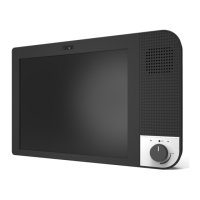
A. Camera
B. Loudspeaker
C. LED indicator
D. Screen
E. Microphone
F. On/O button
G. Volume control
H. Power input
I. USB slots
2. KOMP requires WiFi to work.
Make sure the wireless internet connection is
working where KOMP will be used. You can also
use a 4G WiFi hotspot.
3. Place KOMP on a stable surface within reach
and at eye height of the user.
4.
A. Insert Bluetooth adapter into the USB-slot
on KOMP.
B. Insert WiFi adapter into the USB-slot on KOMP.
C. Plug the power cable into the power outlet.
Insert power cable into KOMP.
Your KOMP will start up. Finish the remaining
setup through the application.
5. Download the application “KOMP” from App
Store (iOS) or Google Play (Android).
6. Enter keyword, found in the box and on the
KOMP screen.
Follow in-app instructions to complete setup:
• Connect to KOMP via Bluetooth
• Add WiFi
• Create your own user prole


 To Next Page