[ 137 ]
Services (XHTML)
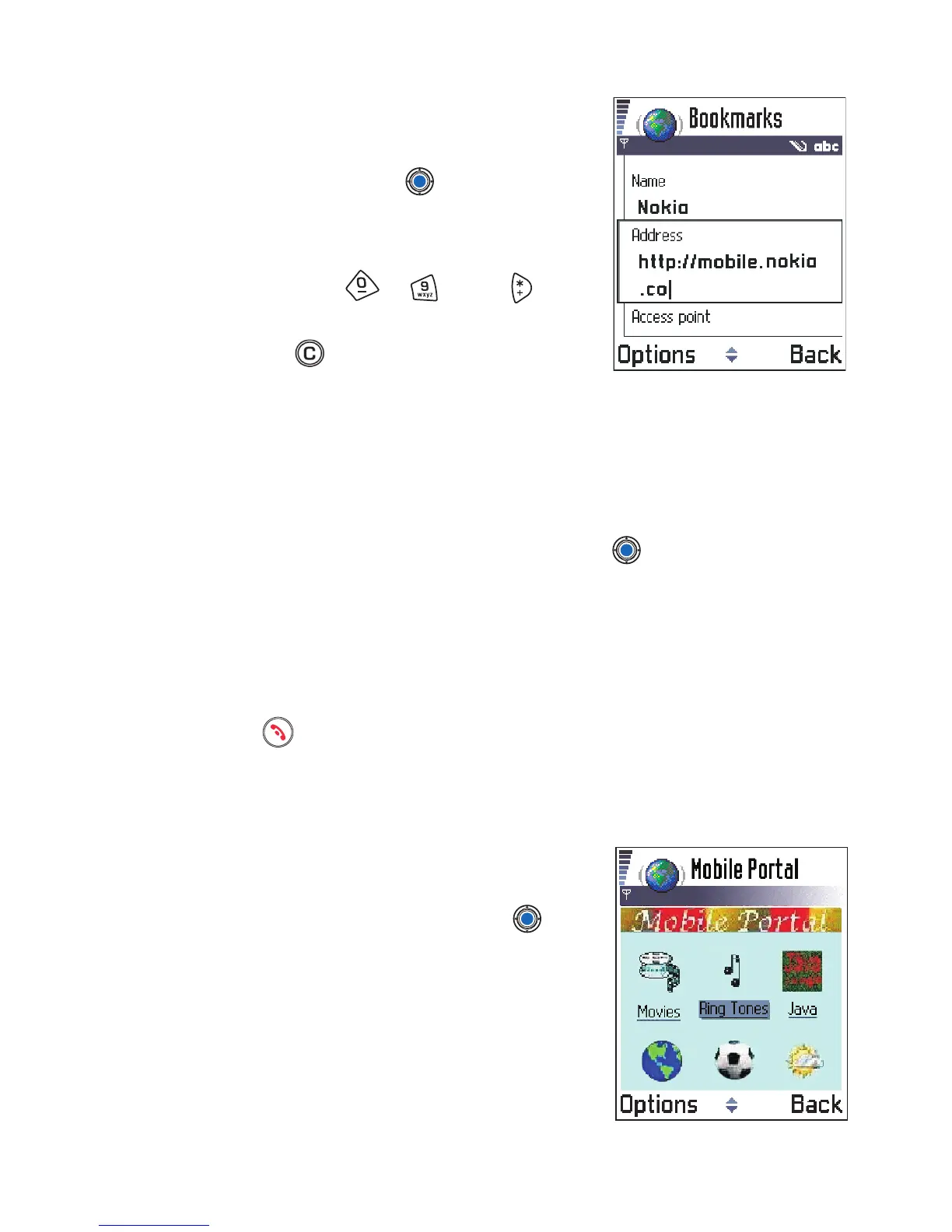
Keys and commands used in
browsing
• To open a link, press .
• To scroll the view, use the scroll key.
• To enter letters and numbers in a field,
press the keys - . Press to
enter special characters such as /, ., :, and
@. Press to clear characters.
• To go to the previous page while
browsing, press Back. If Back is not available, select Options→
History to view a chronological list of the pages you have visited
during a browsing session. The history list is cleared each time a
session is closed.
• To check boxes and make selections, press .
• To retrieve the latest content from the server, select Options→
Reload.
• To open a sublist of commands or actions for the currently open web
page, select Options→ Service options.
• Press to disconnect from a web service and to quit browsing.
VIEWING NEW SERVICE MESSAGES WHILE BROWSING
To download and view new service messages while browsing:
1 Select Options→ Read service msgs.
(shown only if there are new messages).
2 Scroll to the message and press to
download and open it.
For more information about service
messages, see “Service messages” on
page 98.



 To Next Page