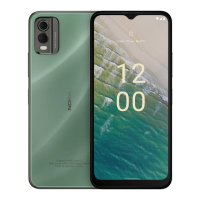
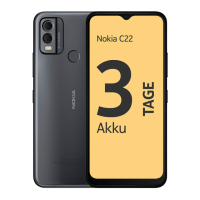
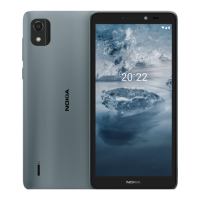
Nokia C2 User Guide
1. Open android.com/find on a computer, tablet or phone connected to the Internet and sign
in to your Google Account.
2. If you have more than one phone, click the lost phone at the top of the screen.
3. On the map, see about where the phone is. The location is approximate and may not be
accurate.
If your device can’t be found, Find My Device will show its last known location, if available. To
lock or erase your phone, follow the instructions on the website.
© 2020 HMD Global Oy. All rights reserved. 36


 To Next Page