Devicescape Easy Wi-Fi User Guide for Nokia Eseries and Nseries Phones
Page 8 Copyright © 2007-2009 Devicescape Software, Inc. V3.0.70
Using Easy Wi-Fi
Easy Wi-Fi allows you to seamlessly connect to Wi-Fi Hotspots. No browser and no
hassle with captive portal pages any longer.
Easy Wi-Fi will automatically start when you power on your phone, and will run
silently in the background. To change settings and/or see current status information
launch Easy Wi-Fi from your installation directory.
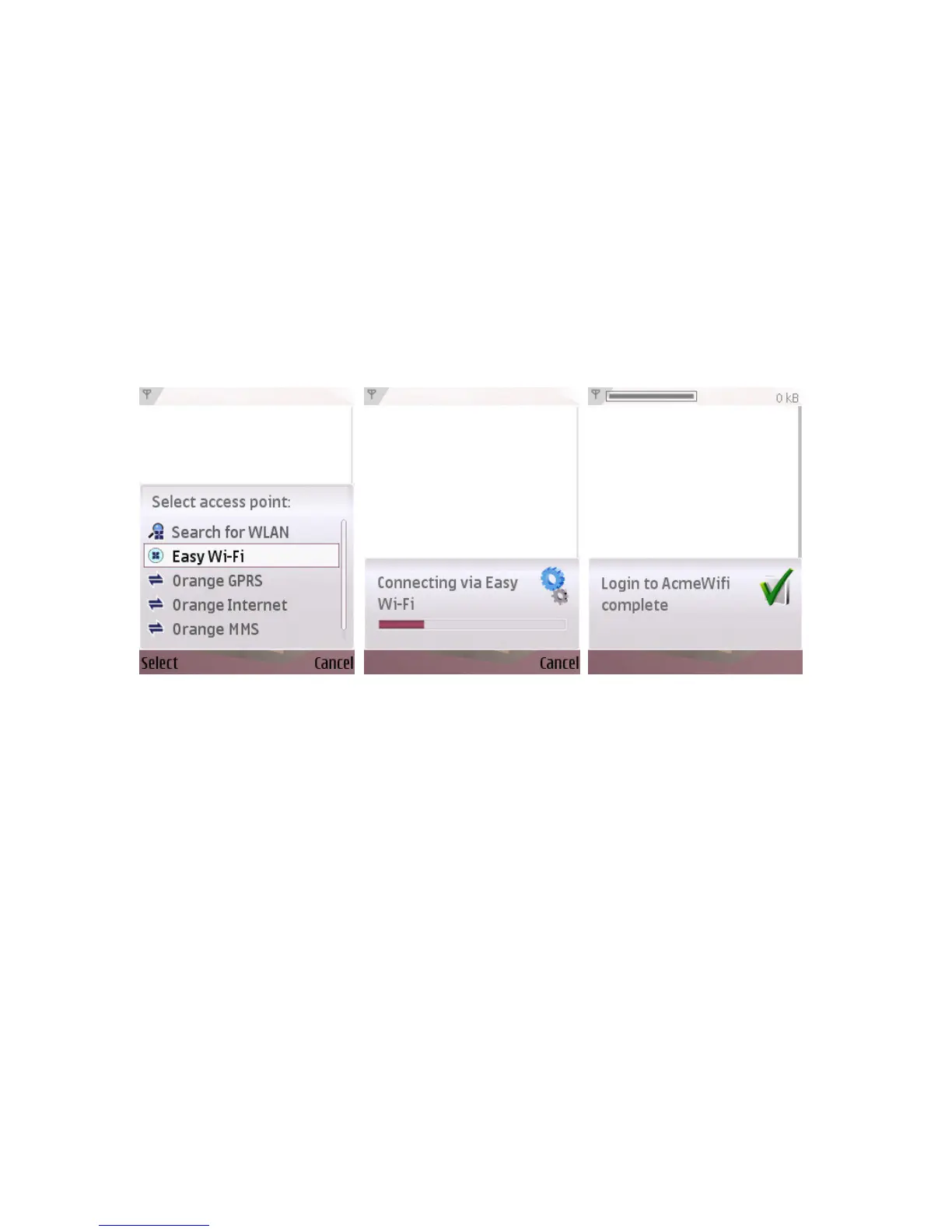
Now when you start any Internet application when you are in range of a Hotspot,
simply choose “Easy Wi-Fi” as the selected access point. You can also pre-configure
most applications to always use the Easy Wi-Fi Access Point in the applications
settings page.



 To Next Page