3.6
Chapter 3 The Nokia Point & Find Story
Nokia Point & Find worlds
A Nokia Point & Find world is a unique interactive experience
designed to connect a set of select objects (or labels) with custom-
ized digital results.
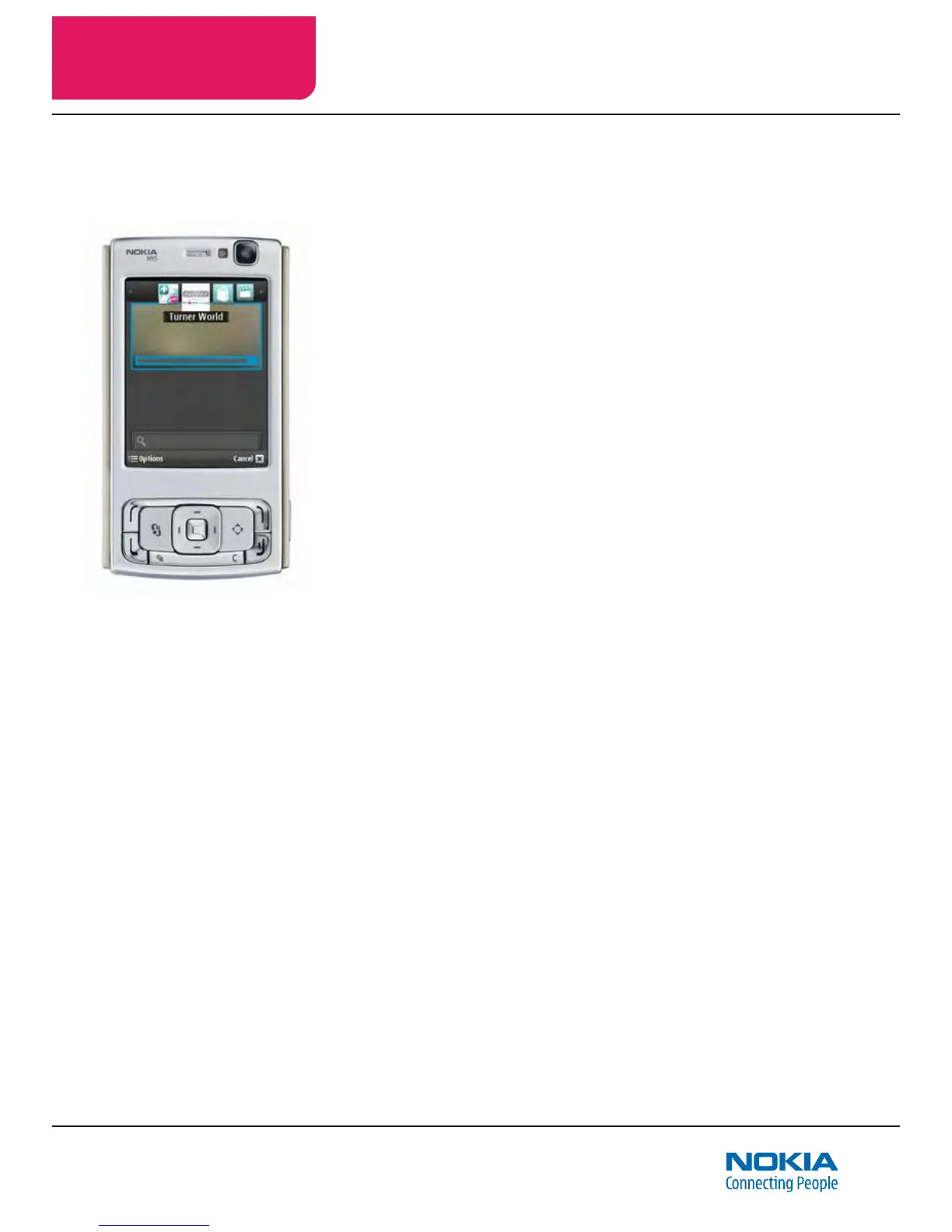
The World Carousel is the menu of Nokia Point & Find worlds avail-
able on a Nokia Point & Find enabled mobile device.
Mobile users can access these interactive experiences (and receive
information, content, and services) by choosing a world from the
World Carousel, then simply pointing their camera phones at one of
the objects dened in that world (with automatic object recognition),
or by reading an object’s barcode, or by navigating smart directories
and using text-entry search, as well.
An interactive experience allows access to contextually relevant
digital information, content and services via a mobile device. (See
pages 3.2 and 3.3 for examples of interactive experiences.)
Users explore a world and access a world’s interactive experiences
(content and services) by:
• pointing their phone at objects (object recognition)
• scanning a barcode
• navigating smart directories
• searching via text-entry search
The Nokia Point & Find Management Portal is the tool used to
develop and manage Nokia Point & Find worlds.
Objects (or Targets, when tagging)
Examples of objects include: a particular building, product, logo,
billboard, movie poster, museum exhibit, car, toy, specic pages of
a magazine, etc. When tagging objects (see below), the objects are
sometimes referred to as targets.
Labels
Labels name and identify objects and images (for example: “red
teapot”). Labels also name and refer to non-object information and
results (for example: “about us”).
Essential Nokia Point & Find terms and concepts



 To Next Page