you can follow the prompts to complete the creation process. When
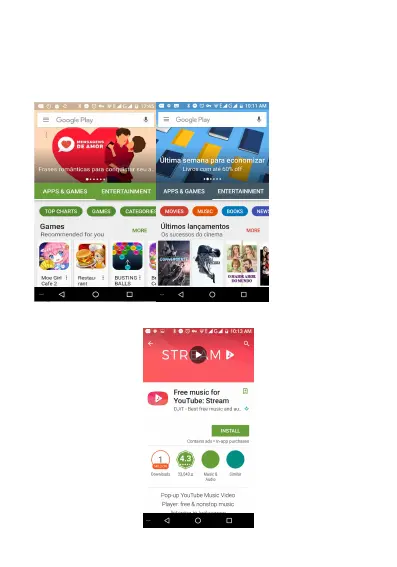
you use the account to enter Play store home page, you can see a
variety of mobile phone software, you can choose according to your
needs and install it to your phone. You can switch APP & Game &
Entertainment to search software..
In the Play Store screen, click an icon on your favorite software,
enter the details interface:



 To Next Page