14
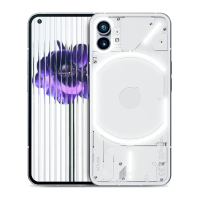
NOTHING
phone (1)
To check the available storage on the device, open the
Settings app and tap on “Storage” to get an overview of the
storage consumption of each type of tiles.
To clear app storage or wipe app cache, open the Settings
app and tap on “App”, then “All apps” to view all installed
apps and the respective storage each app is using. Tap on a
select app to access its “More info” page, which shows the
two buttons for either clearing storage or clearing cache.
5.Storage
Basics


 To Next Page
 Loading...