18
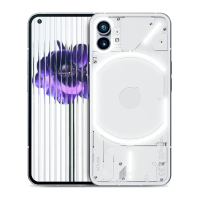
NOTHING
phone (1)
To change the unlocking method, open the Settings app and nd the
“Screenlock & Security” option. Enter the page to set the unlocking
PIN, record additional ngerprints, or record
facial data used for unlocking the device.
Note: ngerprint / face data unlocking cannot be used without a PIN
as otherwise anyone could simply swipe to unlock the device.
8.Screenlock & security
Basics


 To Next Page
 Loading...