5
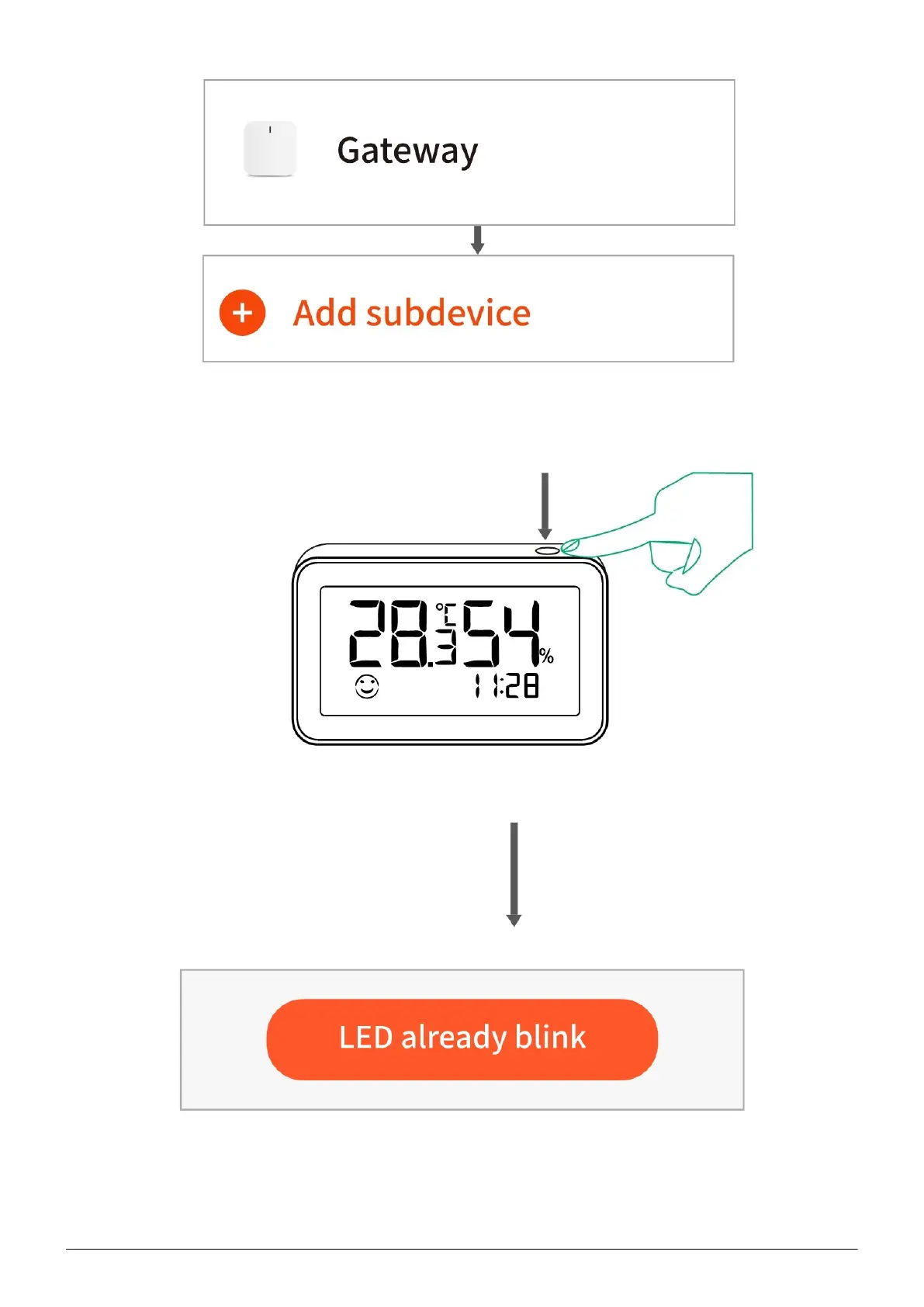
3.Press the reset button for 5 seconds, till the screen blink, then click the confirm button
which shows and "LED already blink" follow the in-app instructions to connect the sensor
to your gateway.
4.Waiting for a few seconds, This device is added successfully and you may rename it.
Click “Done” to finish the setting.



 To Next Page