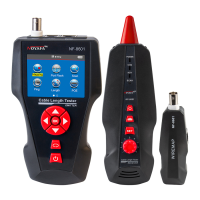
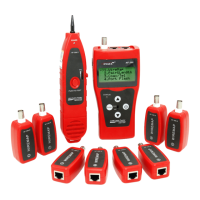
Scan Cable
Sca nni ng...
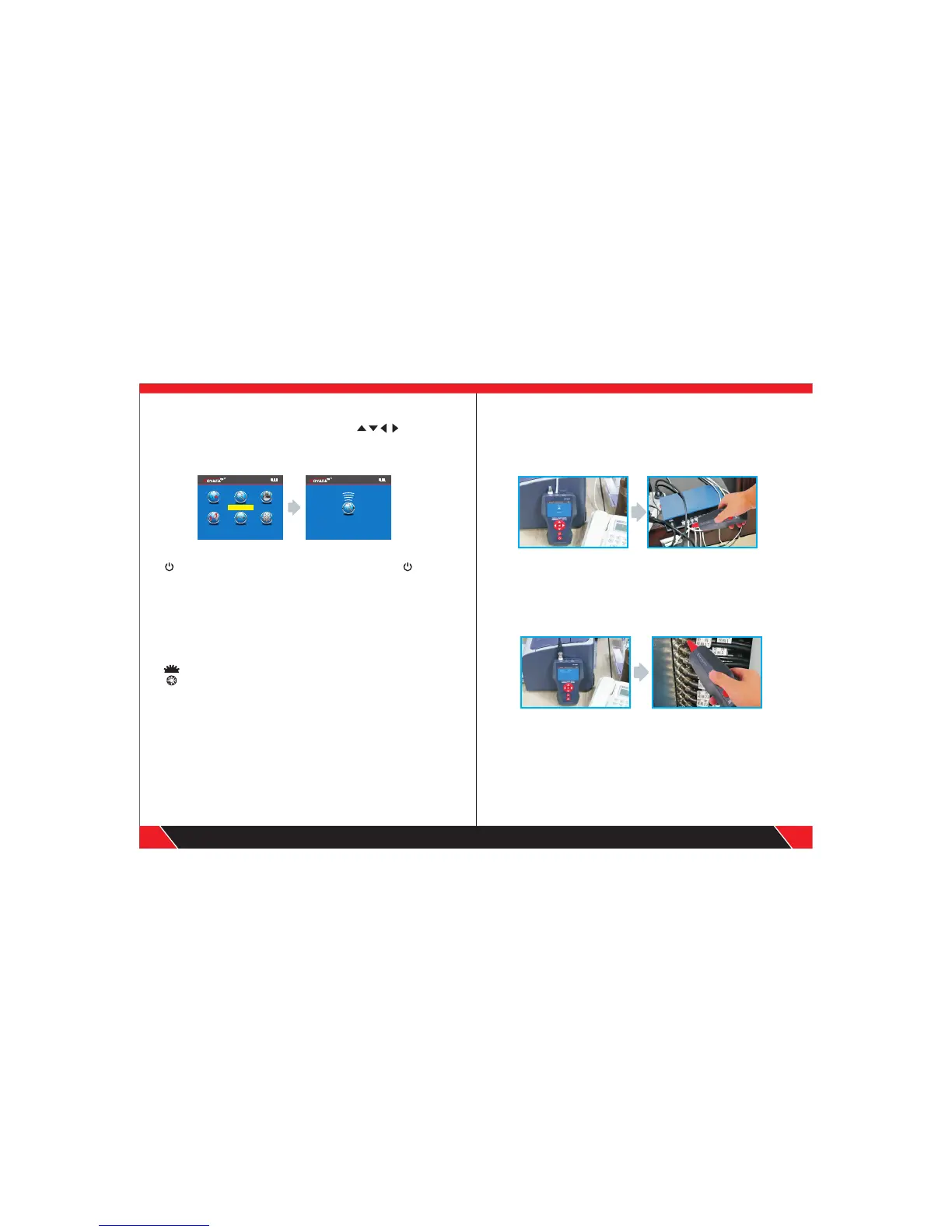
c. Cable tracing test ( NF-8601A without this function)
After entering main menu, move the cursor button Then press
OK to scan; Take network cable as an example: connect the network cable
to be found with Rj45 port (RJ11, or BNC), the other side is empty, perform
line finding test as shown in the figure below:
this button on the receiver , when you open the device , and lighting ,
that means it works normal of the receiver , light-touch SET button , there
can have a change between scanning , voltage and in-operation .when you
find the target cable, you can take the receiver near to the tested cables ,
when it find the target cable , it will send out “Beep , beep “ , and at that time ,
the scan light will flashing. When under the situation of Voltage test model,
you can take the receiver closed to the place where have voltage ,when it
send out “ Beep , Beep “ that means it has voltage.
This button on the receiver used to control lighting and checking money;
is sensitivity control when you find the cables.
The receiver charge : when connected the receiver charge , The light will
shining near the MICRO , and the same time , the charge Indicator light will
flashing , after full of power , this light will always lit.
1. Tracing cable (RJ45/RJ11 Cable) which is connected to switch or router.
Insert the cable into port RJ11/ RJ45 (S), Press the testing key of receiver,
“Power” will be lighted, then hold the receiver close to the cables, when the
probe gets close to the targeted one, you can hear clear and loud “beep,beep,
beep” . (Note: telephone cable into RJ11, Lan cable into port RJ45(S) )
2. Tracing Coax cable
Insert the cable into port BNC, Press the testing key of receiver, “Power”
will be lighted, then hold the receiver close to the cables, when the probe
gets close to the targeted one, you can hear clear and loud “beep,beep,
beep” .
(Note : turning down the voice slowly help trace cable easily )
21
22
Your excellent helper in cable test!
Your excellent helper in cable test!
Wir e Map pin g
Sca n Cab le
Set
P i n g
Menue
POE Test
Cable Length


 To Next Page
 Loading...