Graph No.1
Graph No.2
Graph No.3
Graph No.4
您的布 线专家!
www .jing ming shu.c n
Graph No.5
07
08
Your excellent helper in cable test!
Your excellent helper in cable test!
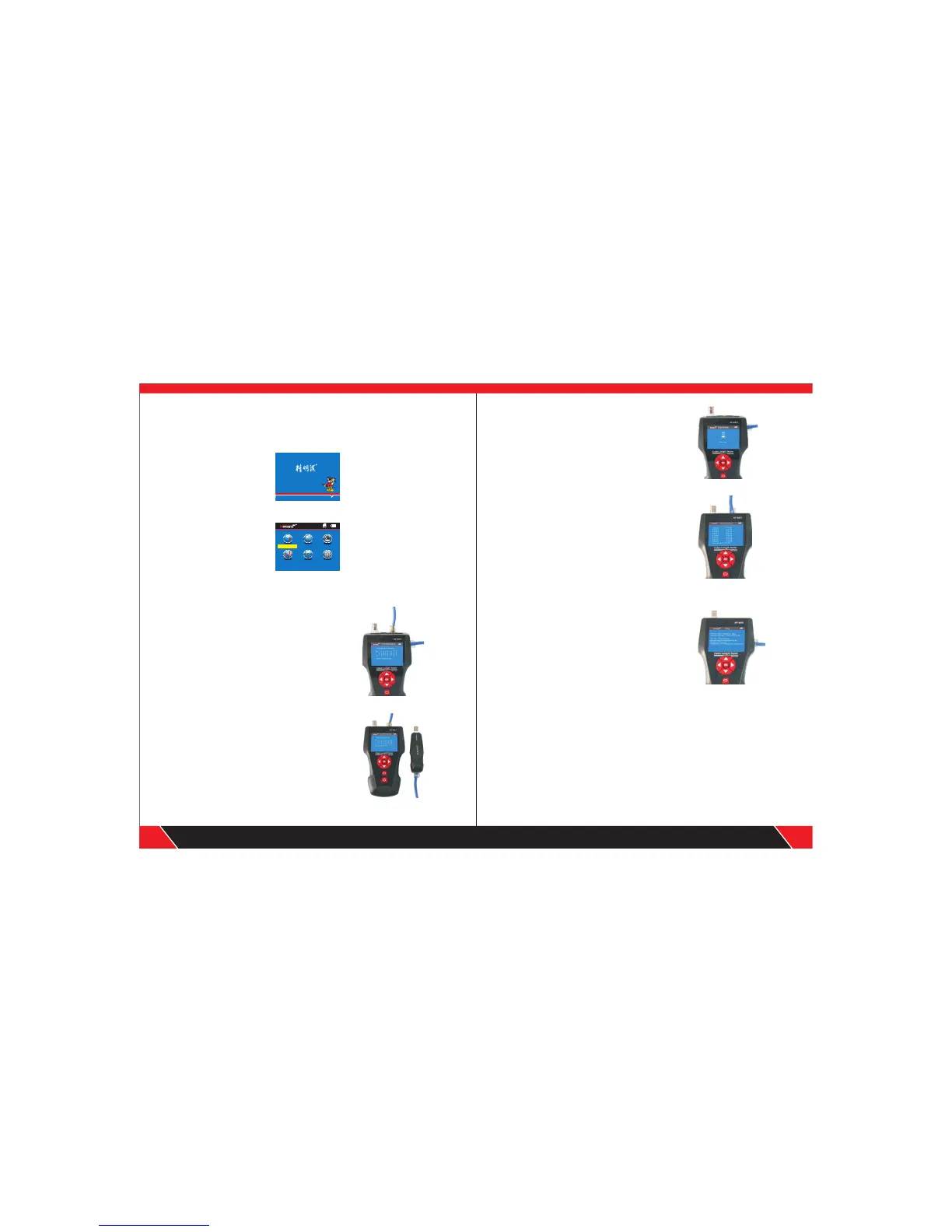
Boot screen
Turn on the tester to come to home page.
Operation steps
3 seconds later, the following main interface will be displayed:
Users can set up the systems according to his own needs and to have next
operations.
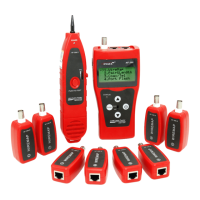
(1) M-S Method--- Checking cable continuity
with main tester for Lan cable Connect one
end of lan cable into “Main” port, the other
end to “Scan” port. ( Graph No.1)
Testing methods
Note: M-S Method is only for Lan cable continuity
testing, not for other kinds of cables.
(2) M-R Methods---Checking cable continuity
with main tester and remote unit, for Lan cable,
telephone cable, coax cable. ( Graph No.2)
Note: M-R Methods is for cable continuity
testing, not for cable length measuring.
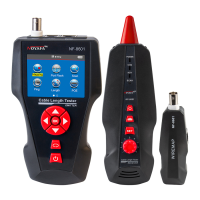
(3) Scan method---“ RJ45 Scan”“RJ11”“ BNC”
ports are used to trace corresponding cables.
( Graph No.3)
(4) Open Method--- Only connect one end of
cable into main tester when measuring cable
length, don't connect with remote or terminator.
( Graph No.4)
(5) PoE/ PING Methods--- Connect one end
of lan cable with “POE/PING” Port, the other
end to PoE switcher or router. ( Graph No.5)
Wir e Mapp ing
Sca n Cabl e
Set
P i n g
Menue
POE T est
Cab le Len gth


 To Next Page