© 2010 Nuance Communications, Inc. All rights reserved.
Nuance
®
, the Nuance logo, Dictaphone
®
, and RadWhere
™
are trademarks or registered trademarks of Nuance Communications, Inc. or its affiliates in the
United States and/or other countries. All other trademarks referenced herein are trademarks or registered trademarks of their respective owners..
Optional Settings for the PowerMic II in
RadWhere™ for Radiology, Version 3
* If you assign the Sign Report function to any button other than the default Tab Forward button, you must use the Enter/Select
button to finish signing the report.
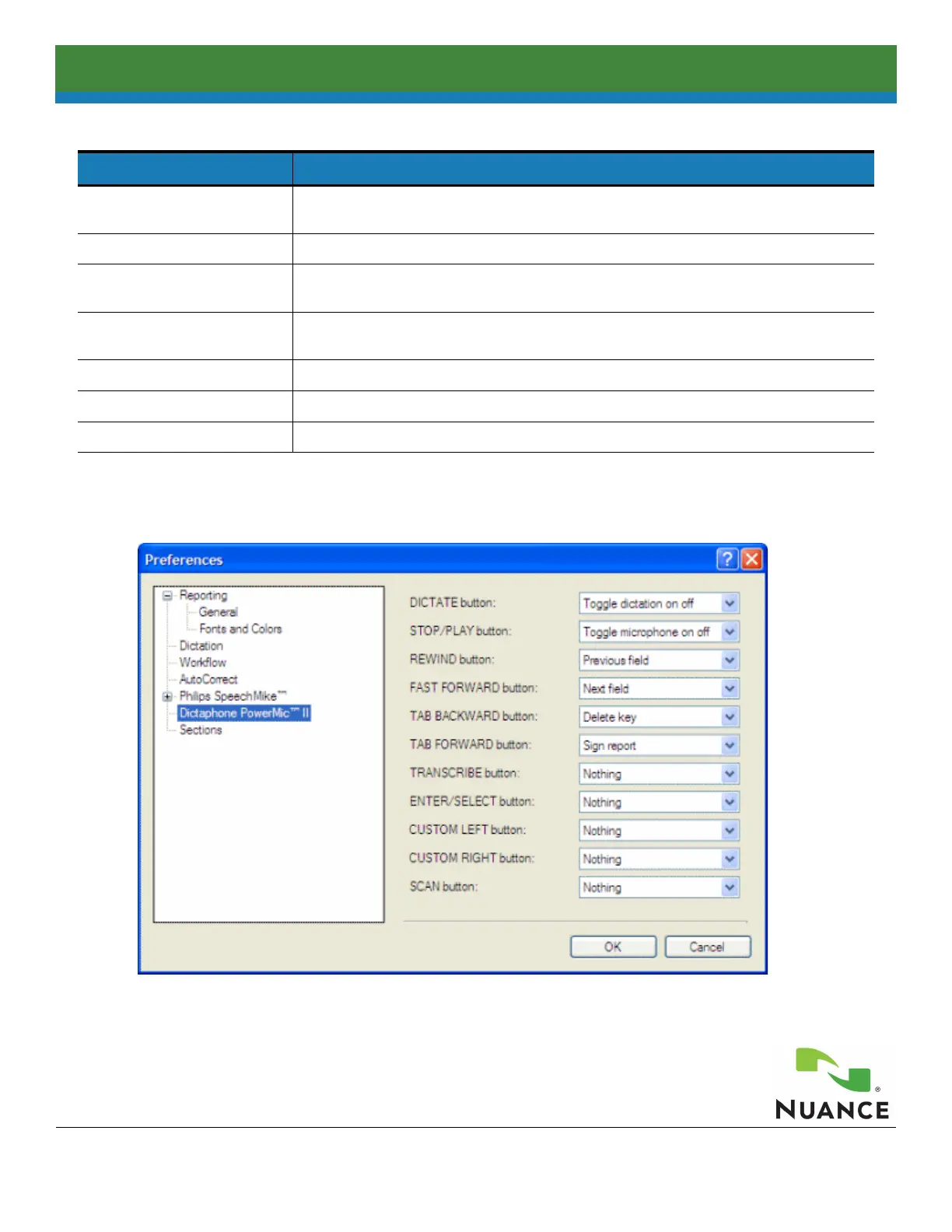
Click Tools > Preferences > Dictaphone PowerMic to Change Preferences
WARNING: When you finish dictating (in either the Toggle microphone on/off or Use deadman switch mode), remain
silent for a moment until the record LED on your microphone turns off to avoid inserting any unintended additional text into
your report.
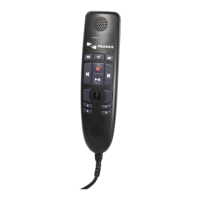
Using the PowerMic II
Programmable Button Optional Settings
Transcribe, Enter/Select,
and Scan buttons
Nothing; Sign report*; Normal report; New line; New paragraph; Delete key; Delete last
word; Delete last utterance; Play audio; Toggle visibility; Save as draft
Dictate button Toggle dictation on/off; Use dead-man switch
Tab Backward and A button Nothing; Sign report
*; Normal report; New line; New paragraph; Delete key; Delete last
word; Delete last utterance; Play audio; Select backward; Save as draft
Tab Forward and B button Nothing; Sign report*; Normal report; New line; New paragraph; Delete key; Delete last
word; Delete last utterance; Play audio; Select forward; Save as draft
Rewind button Nothing; Previous field; Select backward
Fast Forward button Nothing; Next field; Select forward
Stop/Play button Toggle microphone on/off; Use dead-man switch



 To Previous Page