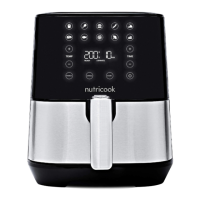
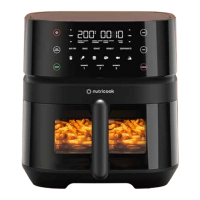
This program allows you to cook manually without selecting any
Preset.
1. PREHEAT your Air Fryer. Follow steps in PREHEATING.
2. When Air Fryer displays READY, add food to the Air Fryer basket
and lock it in.
3. Set the temperature and time.
4. Optionally, adjust the temperature and time settings, as desired.
NOTE: Adjustments can be made during program selection or
even during the cooking process.
• Press either or of TEMP or TIME to adjust the
temperature and time values.
Time range: 1-60 minutes
Temperature range: 75 – 200°C/165 – 390°F
• Optionally, press and hold and of TEMP simultaneously
to switch between °C to °F (and vice versa).
5. Press START to begin cooking.
NOTE:
• When using Manual Program, the SHAKE reminder function
will not be activated. Regardless, you should still shake or flip
your food, as applicable. Follow steps on How to Shake Food.
*See SHAKING FOOD section of this User Guide for additional details.
6. Once cooking time is finished, Air Fryer displays End and beeps 3
times. All the icons are illuminated.
7. Pull the Air Fryer basket and basket drawer from the unit and
place on a clean, flat surface.
WARNING! Be careful of hot steam.
8. Press the basket release button and remove the Air Fryer basket
from the basket drawer to serve food.
NOTE:
• While separating the Air Fryer basket from the basket drawer,
always ensure that it is placed on a flat and heat-resistant
surface.
• Any excess fats or oils collected on the basket drawer must be
drained before replacing the Air Fryer basket.
9. Allow the Air Fryer basket and basket drawer to completely cool
before cleaning.
Manual Program.
26


 To Next Page
 Loading...