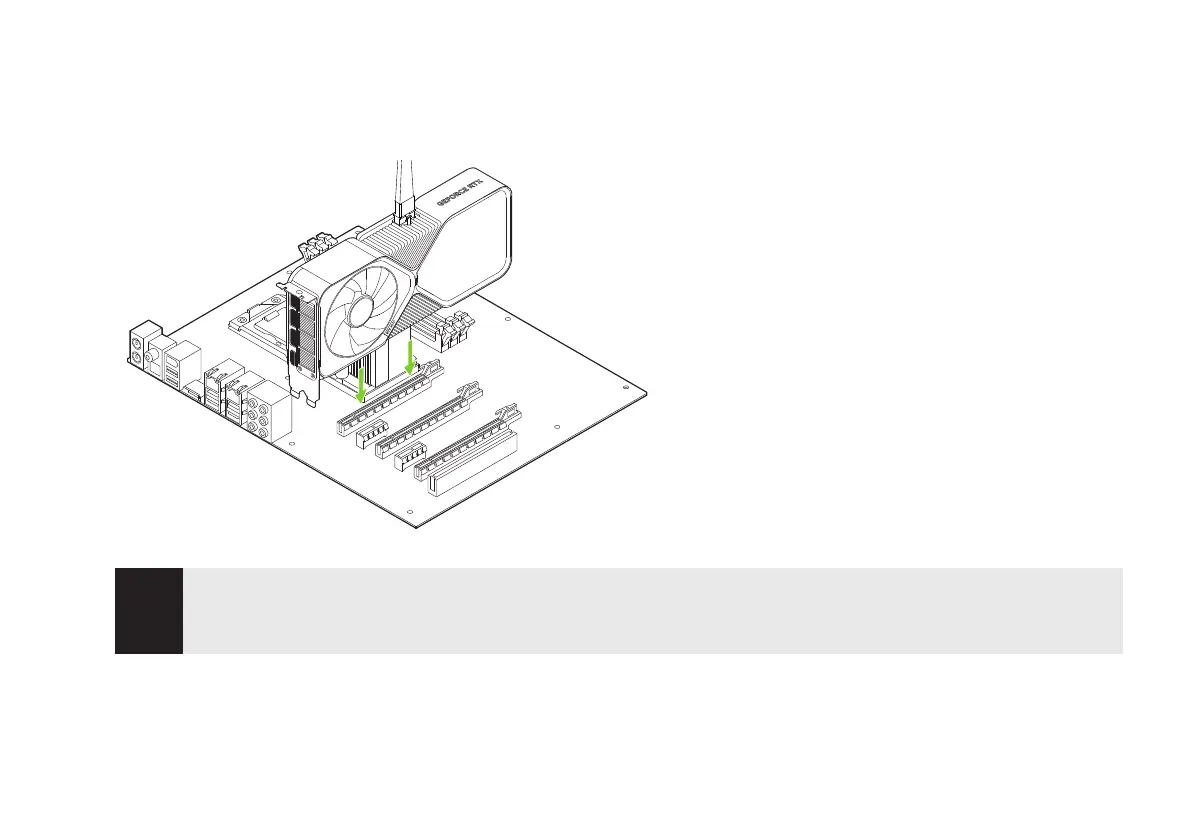
4 Install the GeForce RTX 4070 graphics card into the primary
PCI Express x16 slot on your motherboard.
!
Attention: This GPU card should not be installed with the I/O
brackets facing downwards.
5 Reinstall the covers on your computer and reconnect any cables
previously removed.
Install your GeForce RTX
4070 into the Primary
PCI Express x16 slot (the
Primary slot is the one
closest to the CPU).




 To Next Page