Driver Installation: With the hardware installed, it is now time to
install the graphics driver.
1 Power up your computer, start Windows or Linux, and login with an
account that has Administrator rights.
Note: Since there is no GPU driver currently loaded, the
display may run at reduced resolution or image quality.
2 Download and install the driver.
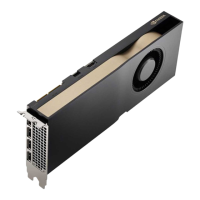
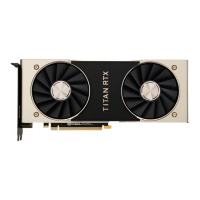
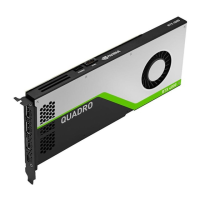
∙ Go to www.nvidia.com/drivers and set the “Product Type”
to NVIDIA RTX / Quadro.
EN
05
SOFTWARE INSTALLATION
AND CONFIGURATION




 To Next Page