Troubleshooting
My N7 B550 will not boot, what can I do?
If you are encountering a black screen at the startup of your PC, this may indicate a hardware fault with
either the N7 B550 or the hardware installed to it. The N7 B550 has Debug LEDs that indicate what is
preventing your PC from passing the POST. POST or the Power On Self-Test is how the motherboard
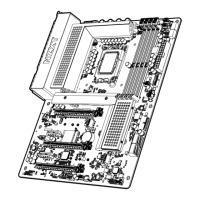
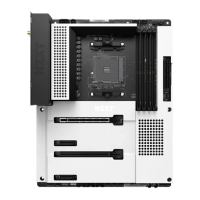
checks for any hardware faults. Please reference the photo below for the location of these debug LEDs
and other major components.
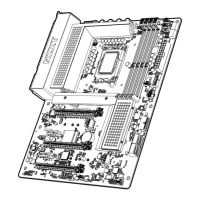
The debug LEDs are for CPU, DRAM, BOOT, and VGA, this is shown in the photo below:


 To Next Page