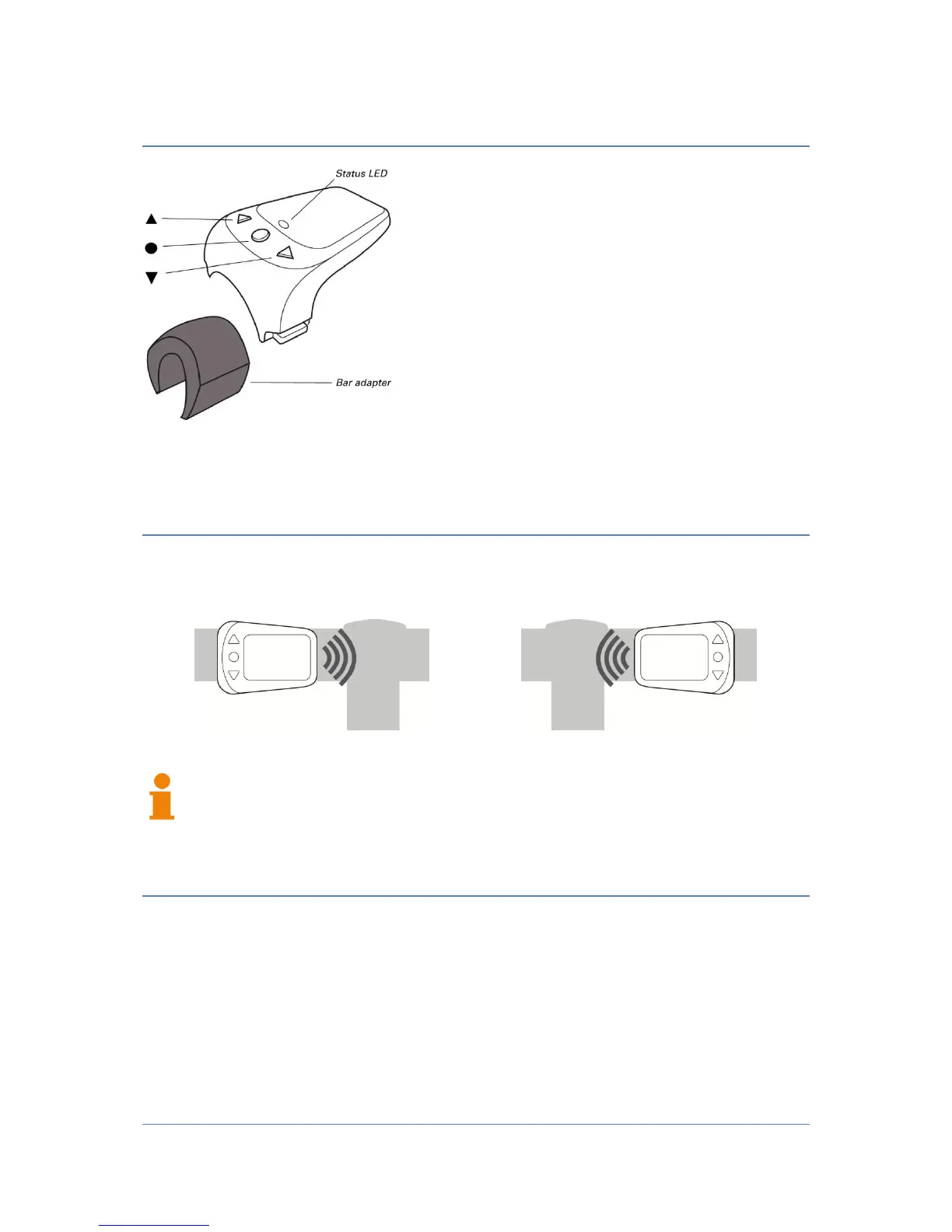
ANT+remote parts
The ANT+remote has three buttons, which are
marked with the symbols (▲, ▼ and ●). Additionally
there is a red/green LED located at the center.
To mount the remote control a handlebar adapter
and various rubber rings are provided.
Mounting of ANT+remote
Attaching on a bar
The ANT+remote can be mounted on the left or on the right side of a handlebar
To achieve correct key assignment, please refer to "Adjusting the assembly
side" of this manual once the ANT + remote has been mounted.
Turn on the ANT+remote
To activate the remote control press the center button. Once the remote control is
activated, the status LED is flashing periodically.


 To Next Page