CRANKCASE INSTRUCTION MANUAL 11
10 CRANKCASE INSTRUCTION MANUAL
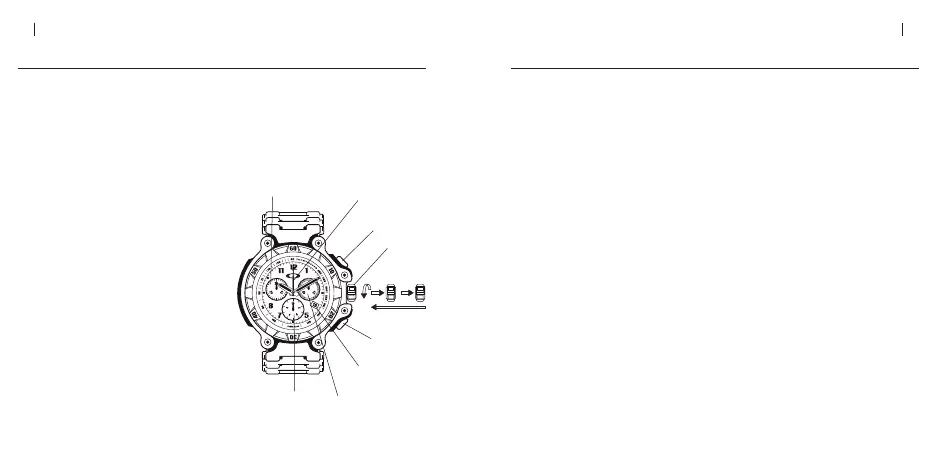
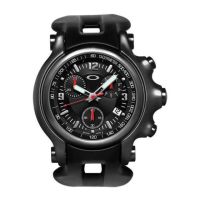
ADJUSTING THE CHRONOGRAPH HANDS
When the chronograph is reset with button “B,” the three chronograph hands return
to the zero position. If these hands do not align precisely with the zero position
(such as after a battery change), use the following procedure to adjust them.
TO ADJUST THE CHRONOGRAPH HANDS
1. If the chronograph hands currently
show a measured time, use button “B”
to reset them near the zero position.
Note that the hands must be stopped
before using button “B” to reset them.
If necessary, use button “A” to stop
the hands.
2. Pull the crown out to the second click
position (b). Push button “A” and
button “B” simultaneously and keep
them pressed for at least 2 seconds.
Press button “A” to adjust the
chronograph hand that counts
seconds. (Press and hold the button
for continuous movement.)
ADJUSTING THE CHRONOGRAPH HANDS CONTI.
Press button “B” to set this hand and move on to the next hand.
Press button “A” to adjust the chronograph hand that counts 1/10 seconds.
(Press and hold the button for continuous movement.)
Press button “B” to set this hand and move on to the next hand.
Press button “A” to adjust the chronograph hand that counts minutes. (Press
and hold the button for continuous movement.)
3. Push the crown back in to set this hand and complete the adjustment of the
chronograph hands.


 To Next Page