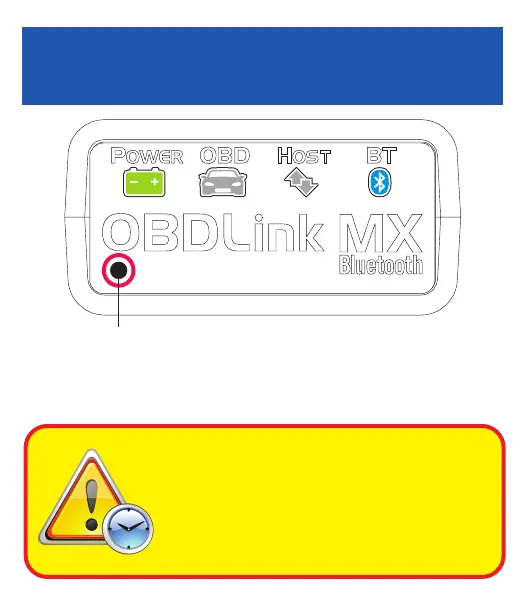
OBD
HOSTPOWER
OBD
H
OST
P
OWER
BT
'Connect'
button
Android Quick Start Guide
OBDLink MX Bluetooth
Android
Scan the QR code or visit the URL from your Android
device to download the OBDLink app:
obdlink.mx/app
Download & install OBDLink app
The DLC is usually found on the driver’s side, under
the dash.
– Can’t nd your DLC? Visit dlc-locator.com
‘POWER’ LED will turn ON, and the ‘BT’ LED will
start ashing slowly.
You must complete steps 7, 8, and
9 within 2 minutes. If you need
more time, press the button again.
Attention!
The ‘BT’ LED will switch to a fast blink.
Tap ‘Scan’ if OBDLink MX does not show in Avail-
able devices.
– LEDs are o? Check vehicle for blown fuses.
[instructions continue on reverse]
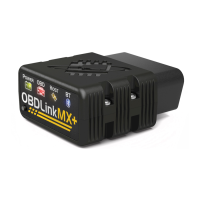
Plug MX Bluetooth into the diagnostic
link connector (DLC)
Turn ignition to Key On, Engine O
position
Open ‘Settings’ app, and enable
‘Bluetooth’
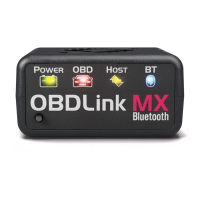
Press the ‘Connect’ button on MX
Tap ‘OBDLink MX’ to pair the deviceTap ‘Bluetooth - Pair with a device’
Wait for OBDLink MX to appear on
the ‘Available devices’ list
1
2
3
4
6
85
7


 To Next Page