1. Get the OBDLink app
visit www.obdlink.com/apps
or scan the QR code
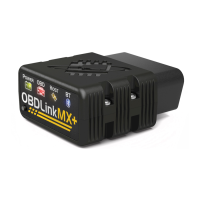
2. Plug MX+ into the OBD port
OBD port is usually in driver’s footwell
3. Turn the ignition to the “Key On,
Engine O” position
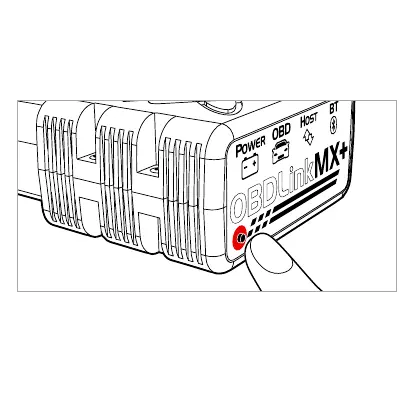
4. Push the “Pair” button and select
OBDLink MX+ in Bluetooth settings
5. Tap “Connect” in the OBDLink app
LOCK
ACC
ON
START
Tap the “Vehicle Editor” icon in the app or visit
www.obdlink.com/oem to see if your vehicle
is eligible for free OEM upgrades
Enhanced OEM Add-Ons


 To Next Page