21
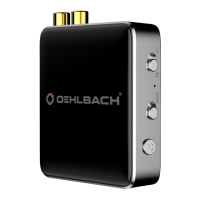
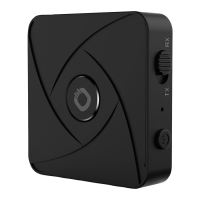
BTR Evolution 5.0
ENG
Functionality
Switch on
Press the On/O button for at least 3 seconds. The blue
LED lights up 3 times.
Switch o
Press the On/O button for at least 2 seconds. A red light
will flash once.
Automatic switch o
If no connection is established within 5 minutes in pairing
mode, the BTR Evolution 5.0 will automatically switch o.
If the power supply of the unit is too low, the unit will auto-
matically switch o and/or cannot be switched on.
Change mode TX/RX
Remove the unit from the power supply and change the
switch from TX to RX (or vice versa).
Changing the mode RCA/SPDIF
Change the switch from RCA to SPDIF (or vice versa)
Transmission Quality
The BTR Evolution 5.0 can display the Bluetooth transmis-
sion quality. In TX mode the:
Blue LED for SBC
Green LED for APTX
White LED for APTX-LL
Red and blue LED for APTX HD
Even in RX mode, the transmission quality is as follows:


 To Next Page