EN-2 RS232 Interface
For SPX, SKX and SJX Balances:
Upon installation, the balance will show [r.S.2.3.2] during the power sequence.
PRINT
Reset: no, yes
Stable: off, on
A.Print: off
On.Stable
interval
accept
continuous
Content: Result (-> off, on)
Gross (-> off, on)
Net (-> off, on)
Tare (-> off, on)
Header (-> off, on)
Footer (-> off, on)
Mode (-> off, on)
Unit (-> off, on)
Info (-> off, on)
Layout: Format (->Single,Multi)
Feed (->Line, 4 Lines, Form)
End Print: Exit menu
RS232
Reset: no, yes
Baud Rate: 1200…9600…115200
Parity: 7 even, 7 odd, 7 none,
8 none
Stop bit: 1, 2
Handshake: none, XOn-XOff
Alternate command: Print (A…P…Z)
Tare (A…T…Z)
Zero (A…Z)
End RS232: Exit menu
Note: Items with bold font are default settings.
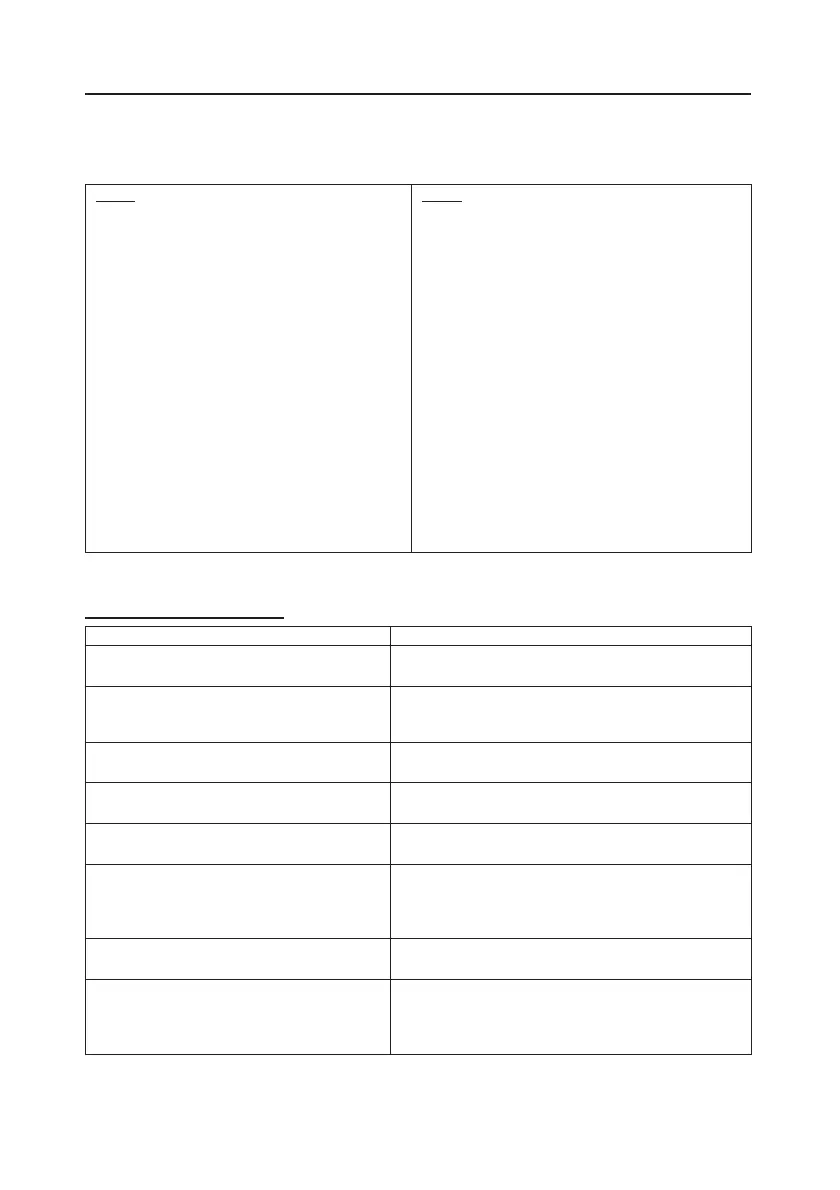
SETUP DEFINITIONS
– Off
Only sends data when PRINT is pr
essed.
PRINT / A.Print / On.Stable
– Load,
Balance only transmits stable data.
Load
: Print stable value excluding zero
Load.Zero: Print stable value including zero
PRINT / A.Print / interval
- (xx) sec
Balance sends data every (xx) seconds.
INT / Auto Print – accept
Balance only sends stable accept data in
Check mode.
– Continuous
Balance repeatedly sends data as fast as
possible.
On: print relevant content after weighing data
Gross – on: G; Net – on: N; Tare –
Info – on: balance will print application
PRINT / Layout / Format - (Single,
Multi)
Single: print all data in one line
Multi: print all data in multiple lines
-
Line: feed one line after printing
4 Lines
: feed four lines after printing
Form: feed one page after printing (move to the
top of next page after printing)


 To Next Page
 Loading...