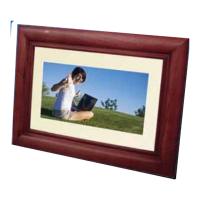
1. Once removed from the package, attach stand to frame by placing it in the slot in the rear of
the frame, fully push in and gently rotate to a stable position,then the digital photo frame can
be securely placed on a flat surface.
2. Insert the supplied adapter DC plug into the digital photo frame, then plug the adapter into
a standard outlet.
3. Insert the available memory card or USB device into the corresponding slot. Once a memory
device is inserted into the
digital photo frame, the corresponding icon can be selected.
5. In the main menu,you can selected the inserted source to enjoy photo/music,change
the frame setting or display the calendar. Use the or button to highlight an item that
you want to enter and
press the OK button to enter the sub-menu.
To view photo, make sure supported image files are loaded onto the storage device. A slideshow
will start automatically when the storage device is connected. To preview image in thumbnail list,
press the BACK button to return to main menu and follow the instructions below.
Viewing Thumbnails
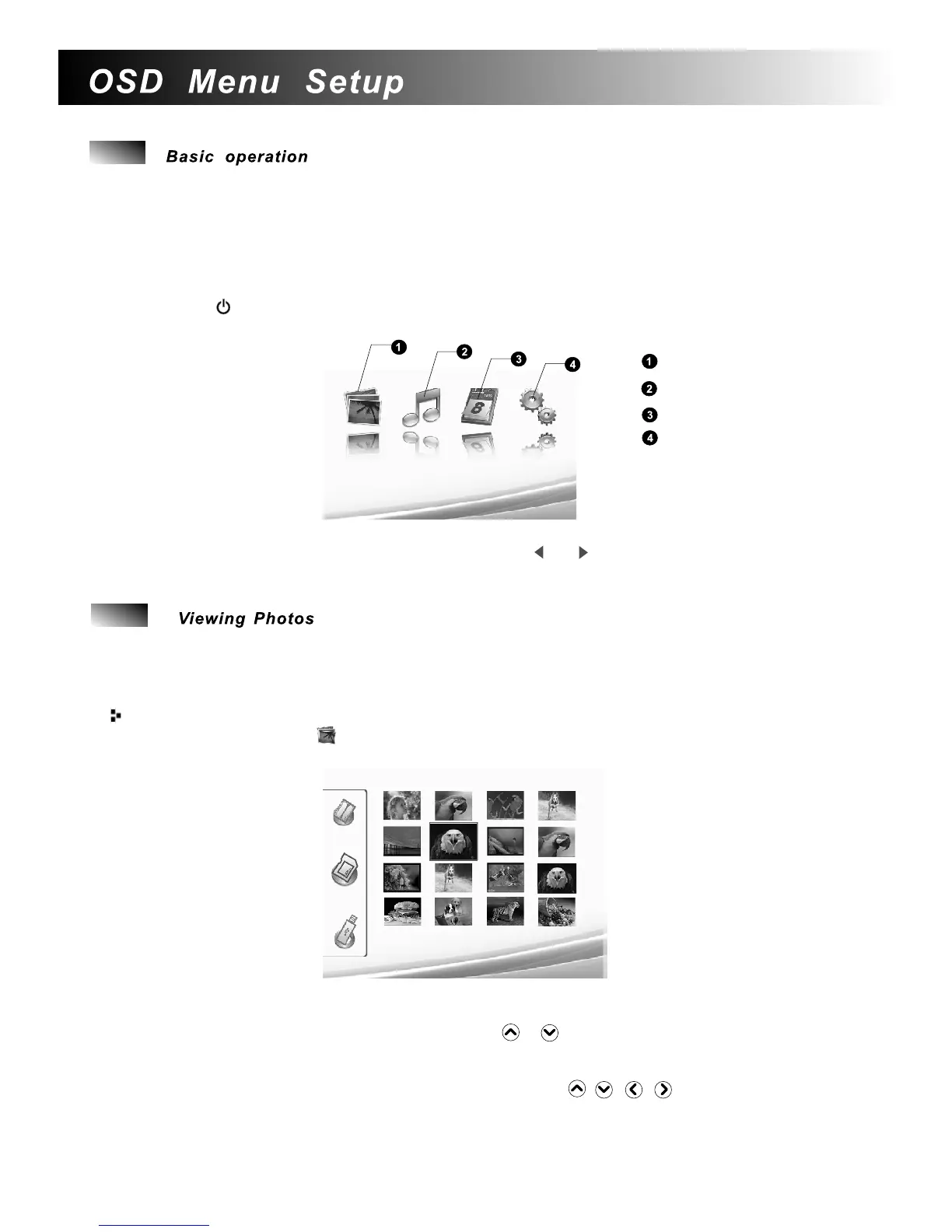
4.Press the button on the rear to power on the frame and the main menu will be
displayed after the start-up screen has been shown.
Photo Menu
Music Menu
Calendar Menu
Settings
1.Select the Photo icon in the main menu and confirm using the OK button. A screen with
memory type icons will appear as below.
2. If all the external device are connected to the frame when power on, the frame
will display
the content on the USB drive as priority. If you want to choose another memory device, press
the BACK button repeatedly and then use the or button to highlight the memory device
icon that you want to play and
press the OK button.
3. Then the frame will display sixteen thumbnail images per page.
7
4. Highlight the image that you want to view by using the / / / button and press the
OK button to start a slide show.
5. During a slide show, press the MENU button on the remote control to return to the main menu.
6.
Return to the sixteen thumbnails mode by pressing the BACK button.


 To Next Page
 Loading...