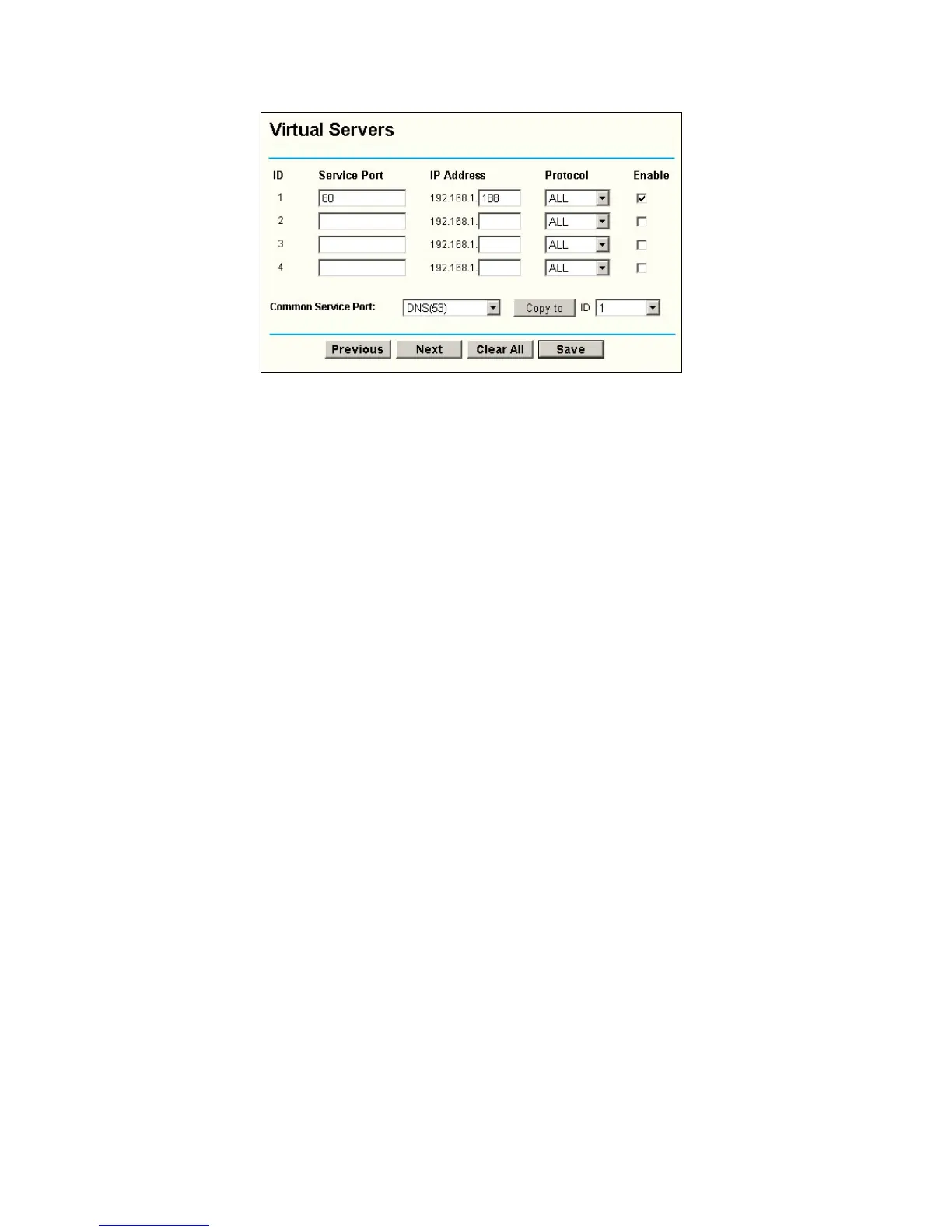
Figure A-7 Virtual Server
5. The wireless stations cannot connect to the router.
1) Make sure the "Wireless Router Radio" is enabled.
2) Make sure that the wireless stations' SSID accord with the router's SSID.
3) Make sure the wireless stations have right KEY for encryption when the router
is encrypted.
4) If the wireless connection is ready, but you can’t access the router, check the IP
Address of your wireless stations.
- 53 -



 To Next Page