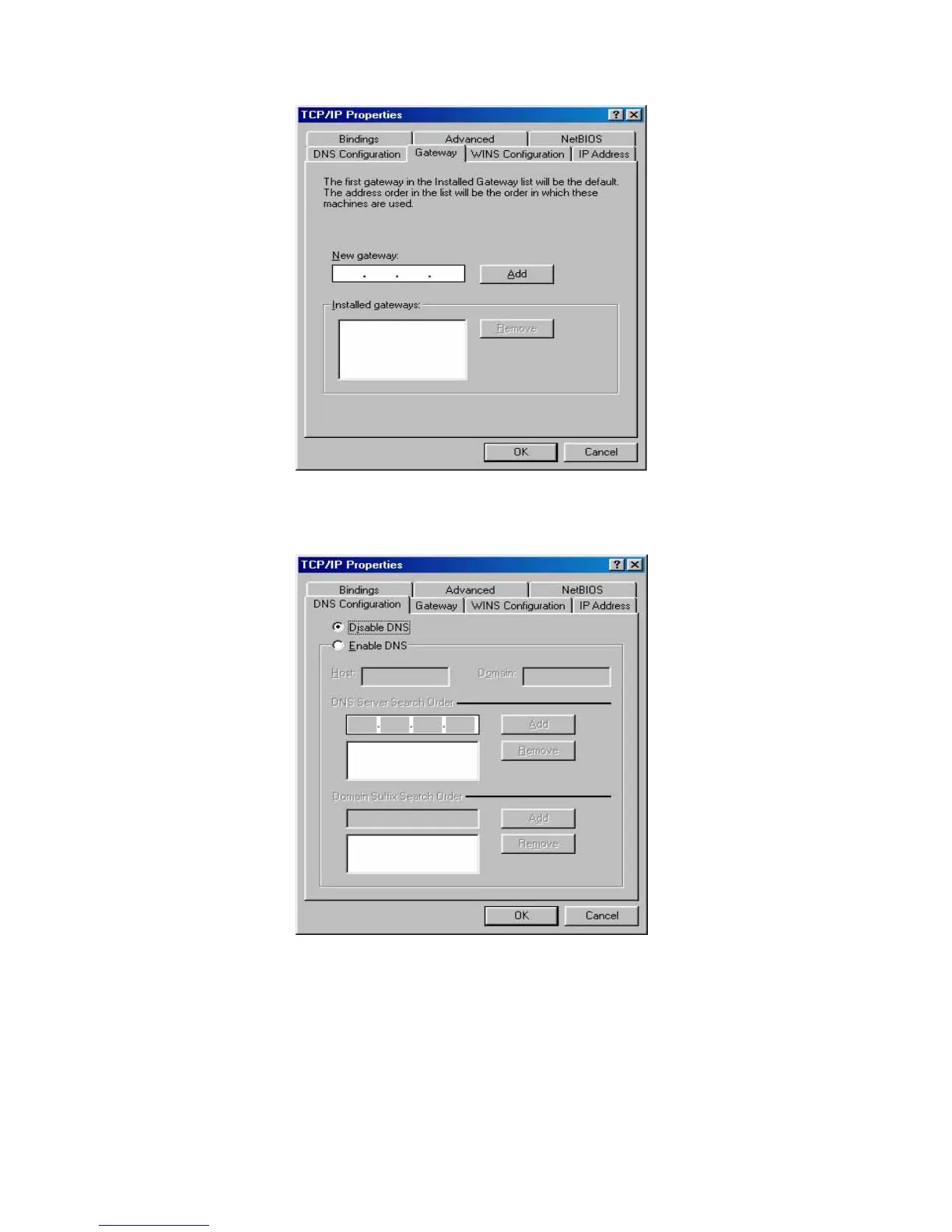
Figure B-5: Gateway tab
c. Choose Disable DNS on the DNS configuration tab, as shown in the
following figure:
Figure B-6: DNS Configuration tab
• Setting IP address manually
a. Select Specify an IP address on IP Address tab, as shown in the following
figure. If the router's LAN IP address is 192.168.1.1, type IP address is
192.168.1.x (x is from 2 to 254), and subnet mask is 255.255.255.0.
- 56 -



 To Next Page