32
O L I V E 4 & 4 H D | O L I V E 2 U S E R G U I D E
O L I V E 4 & 4 H D F E A T U R E S Maestro Metadata Editing
Before starting you should decide whether you want to edit tag information for a
single track or for a whole album (changing the tag information of a whole album has
the advantage of applying your changes to all tracks at once).
1. Highlight the track or album you wish to edit.
2. Choose Edit from the action bar in the upper right.
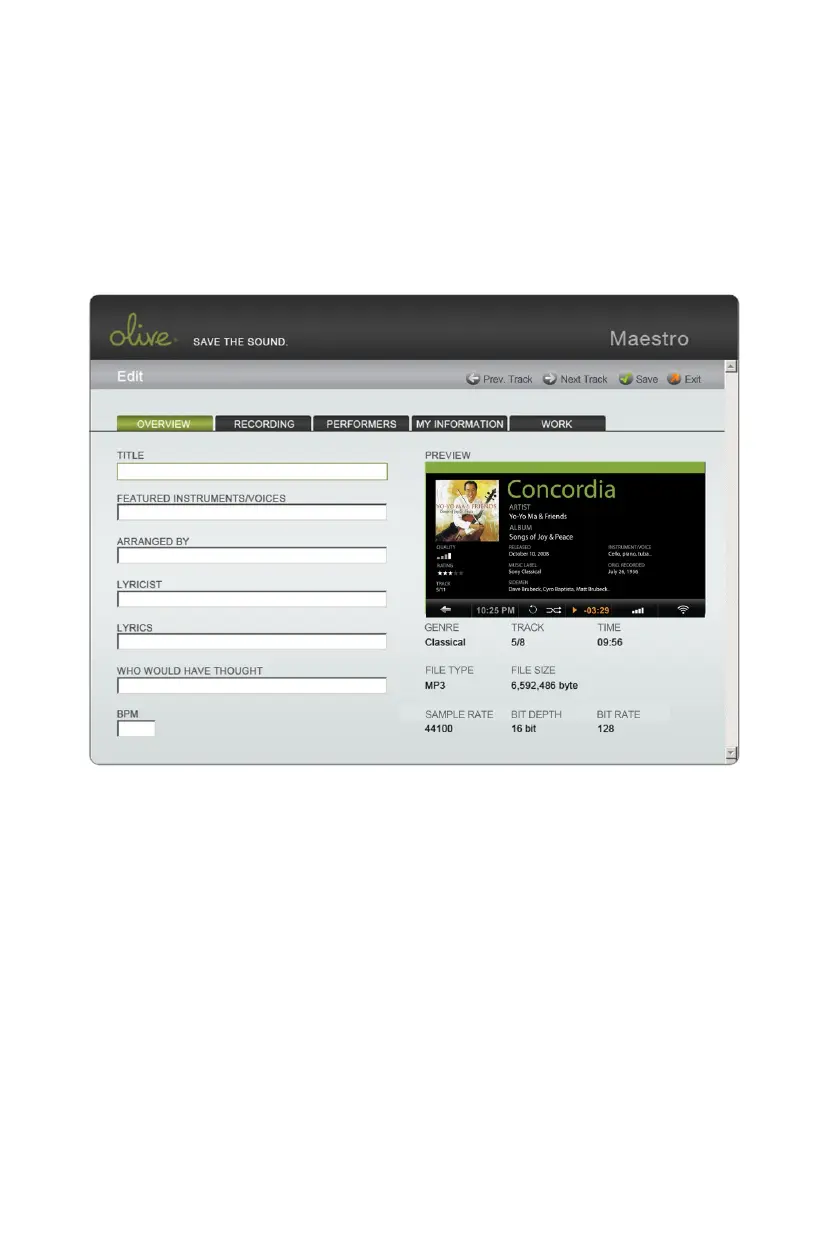
3. Once the editing screen appears (above) begin editing attributes.
4. Save changes and click on the tabs above to edit more attributes.



 To Next Page