24
3. Using Your Device
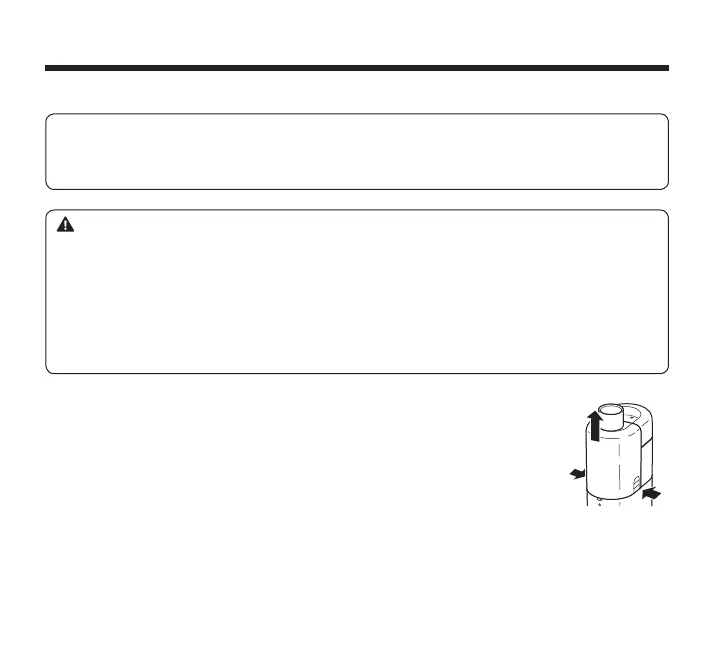
1. Remove the mask adapter from the main unit by pressing both
sides of the mask adapter.
The following items should be disassembled and cleaned after each use in order to prevent
any remaining medication in the container from drying or adhering to the mesh cap which will
result in ineffective nebulization.
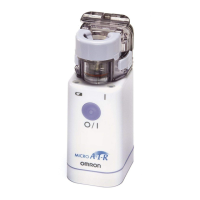
Main unit, medication container, mesh cap, mask adapter, mouthpiece and mask.
:DUQLQJ
:
Failure to properly clean the MICROAir components will result in the risk of bacterial growth,
serious illness from contamination, compromised medication delivery.
Do not leave the cleaning solution on the nebulizer parts. Rinse the nebulizer parts with clean
tap water after cleaning.
Allow the parts to dry after cleaning before reassembling and store in a clean location so that
this device will not become contaminated.
Do not immerse the main unit (except the vibrating element and the area around the vibrating
element) and the AC adapter in water or other liquid.
3.2 How to Clean the Device After Each Use


 To Next Page
 Loading...