19
EN
COOL button
Switches on the cooling function. The light comes on when the water tank is
insufciently lled.
ION button
Switches the ionisation function on and off.
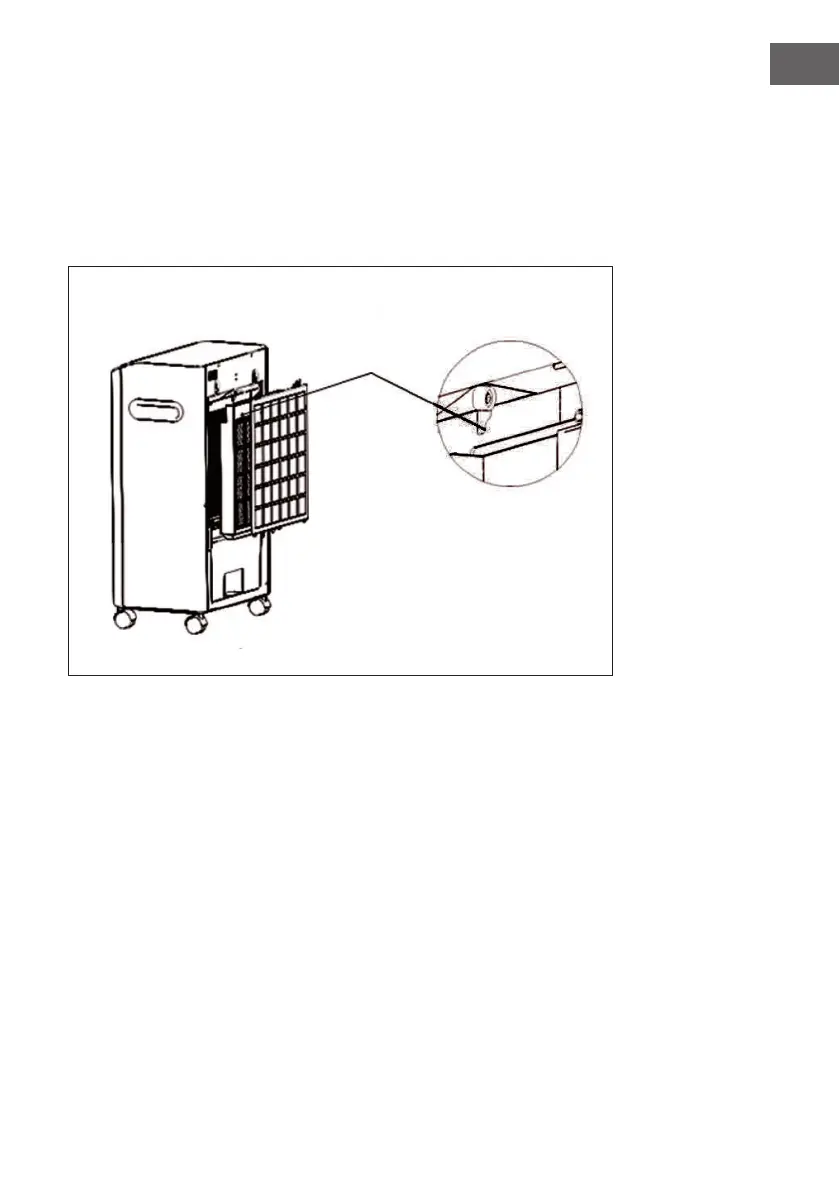
To remove the lters for cleaning
1. Remove the dust lter.
2. Turn the lter knobs outwards (see illustration on the right).
3. Remove the honeycomb lter.


 To Next Page