⚫ Long press a notification to enter the notification settings for that app.
⚫ There are two categories: “Important” and “Other”, you can choose to
move less important notification to the “Other notifications” category,
by pressing the notification and choosing “Other”.
Quick Settings
⚫ Tap the quick settings icon to turn on/off specific functions quickly.
⚫ Press and hold an icon in the quick settings menu to open the
corresponding settings interface.
⚫ Swipe down again to view more buttons.
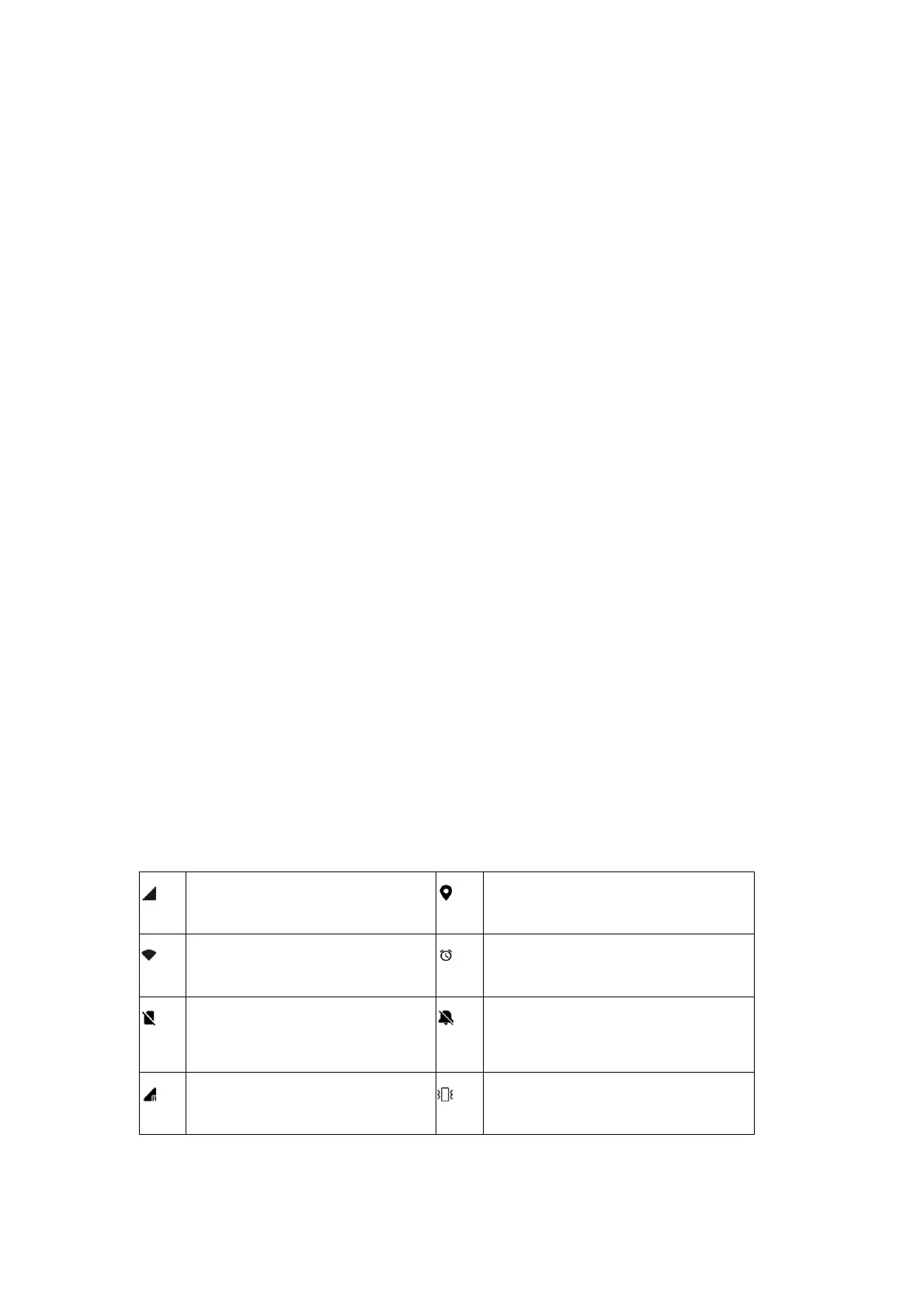
Status icons
Status icons are displayed on the status bar at the top of the screen. The icons
listed in the table below are the most common ones.



 To Next Page