Message
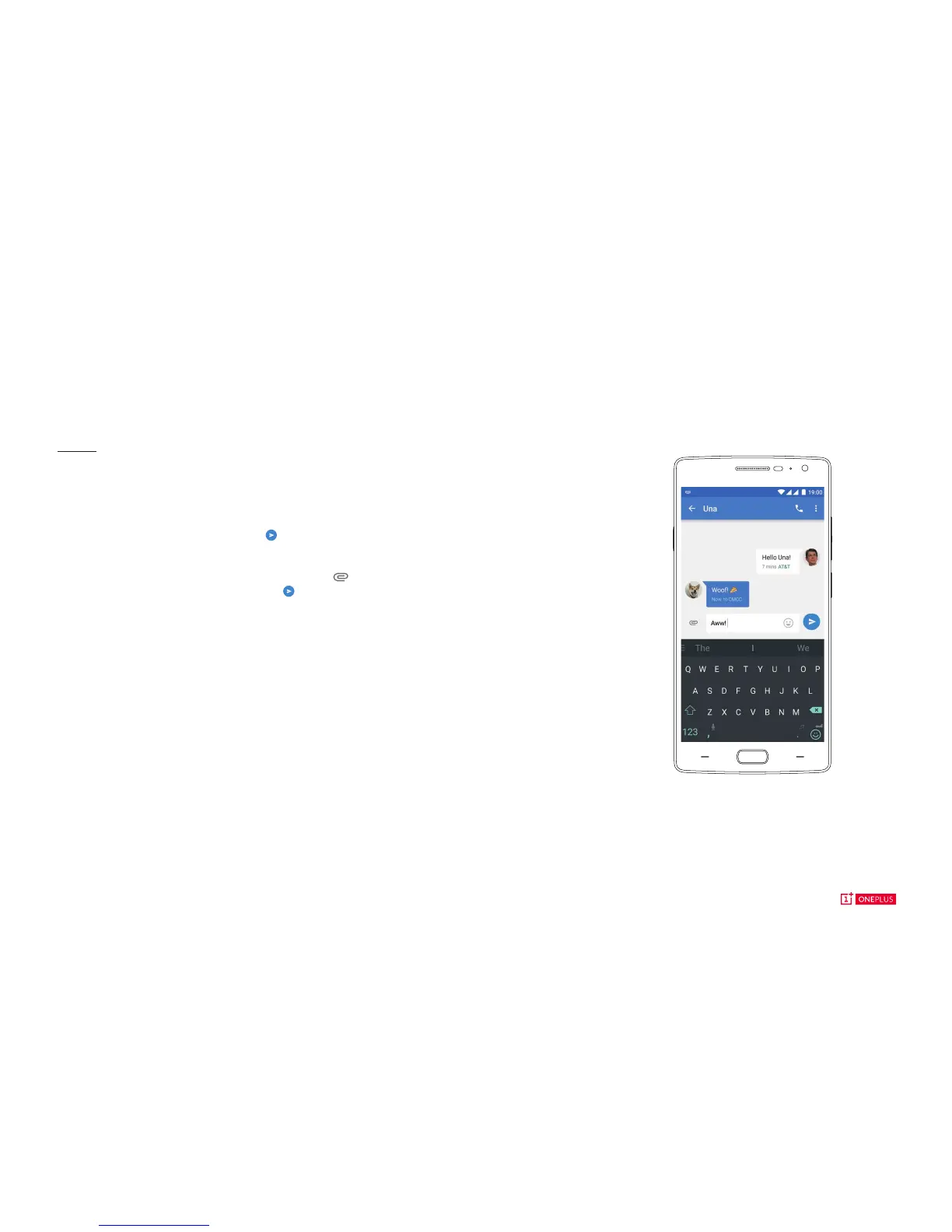
To send an SMS launch the Messaging application from
your Launcher or Application drawer. Enter the name or
phone number in the <to> eld or select someone from your
contacts. Type your message, then tap .
For an MMS. In the Messaging application, tap the you
want to add. Type your message, then tap .
OxygenOS



 To Next Page