Notice:
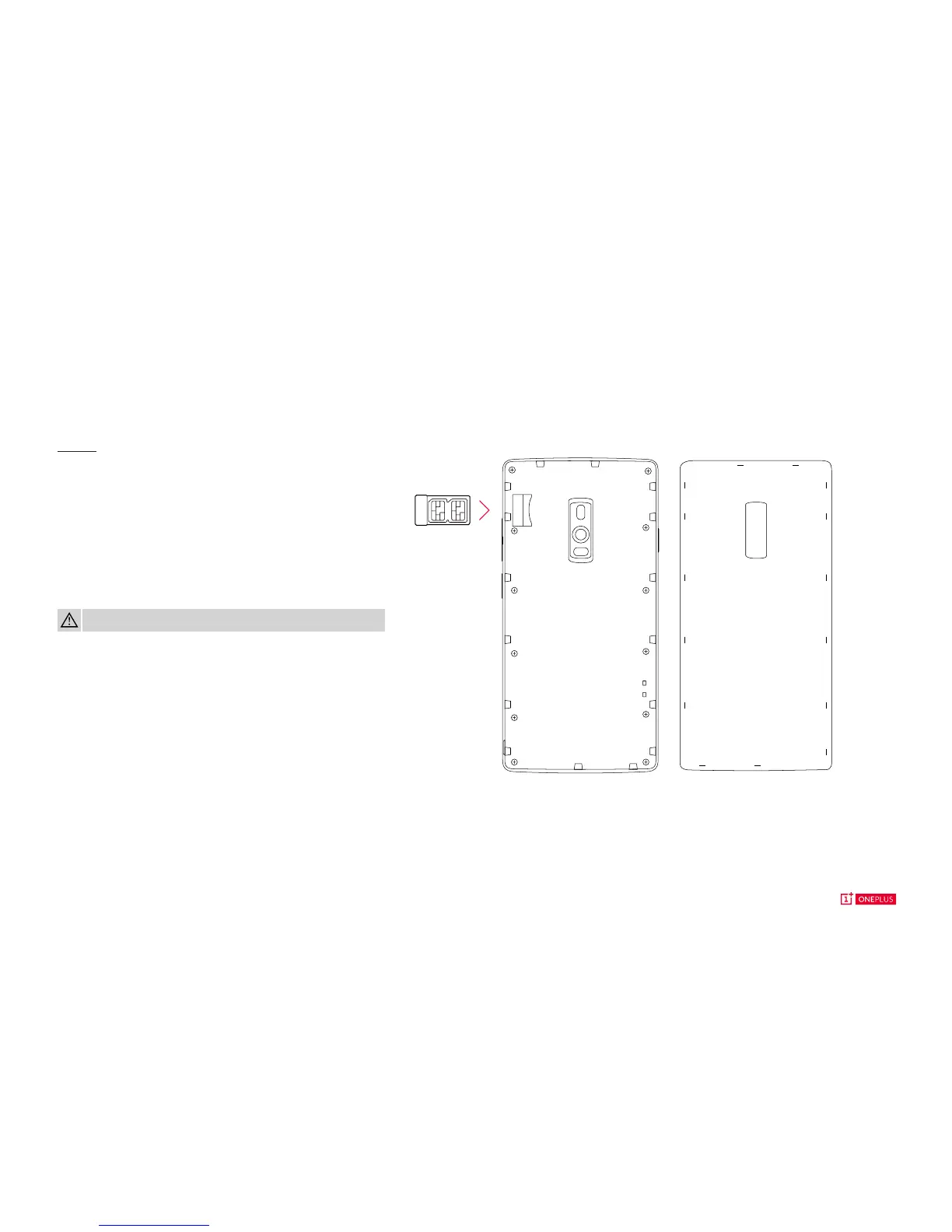
Lift the back cover gently from the groove.
Place your SIM in the SIM card tray, then insert the tray
back into the device.
Dual SIM Card Tray
Don’t lug around two phones or change out SIM cards while
traveling. Stay connected to two networks, simultaneously.
Device
WARNING: Please do not insert your SIM directly into the device.



 To Next Page