15
| What’s in the Box Device OxygenOS Safety Information
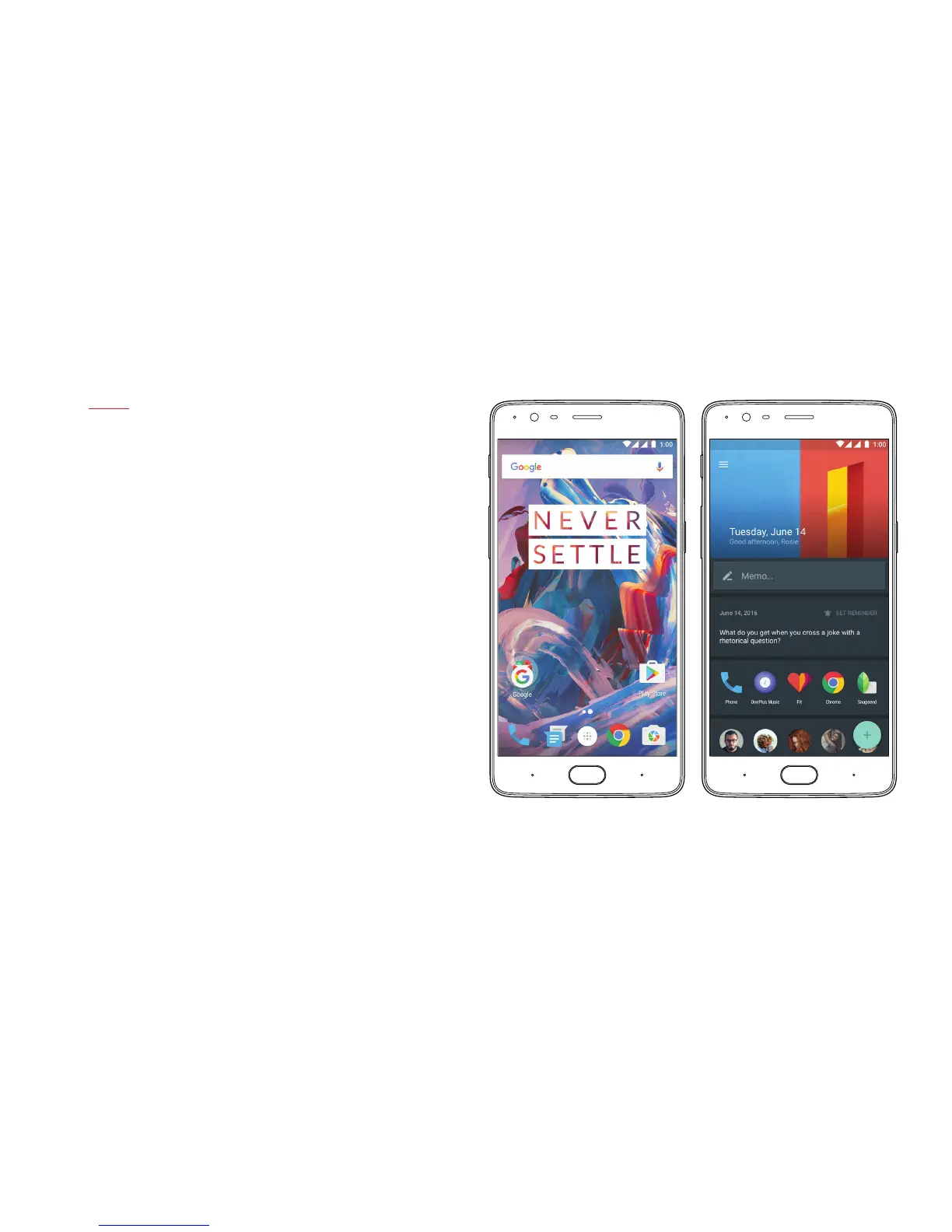
Launcher & Shelf
The launcher supports third party icons and also allows users
to change their app drawer grid, assign gestures & more. From the
launcher, swipe right to reveal Shelf, our user-friendly deck feature
that neatly presents frequently used apps, favorite contacts, widgets
and more.
Note: Users can re-arrange icons by long pressing on the home screen
and clicking “Rearrange” to remove clutter.



 To Next Page